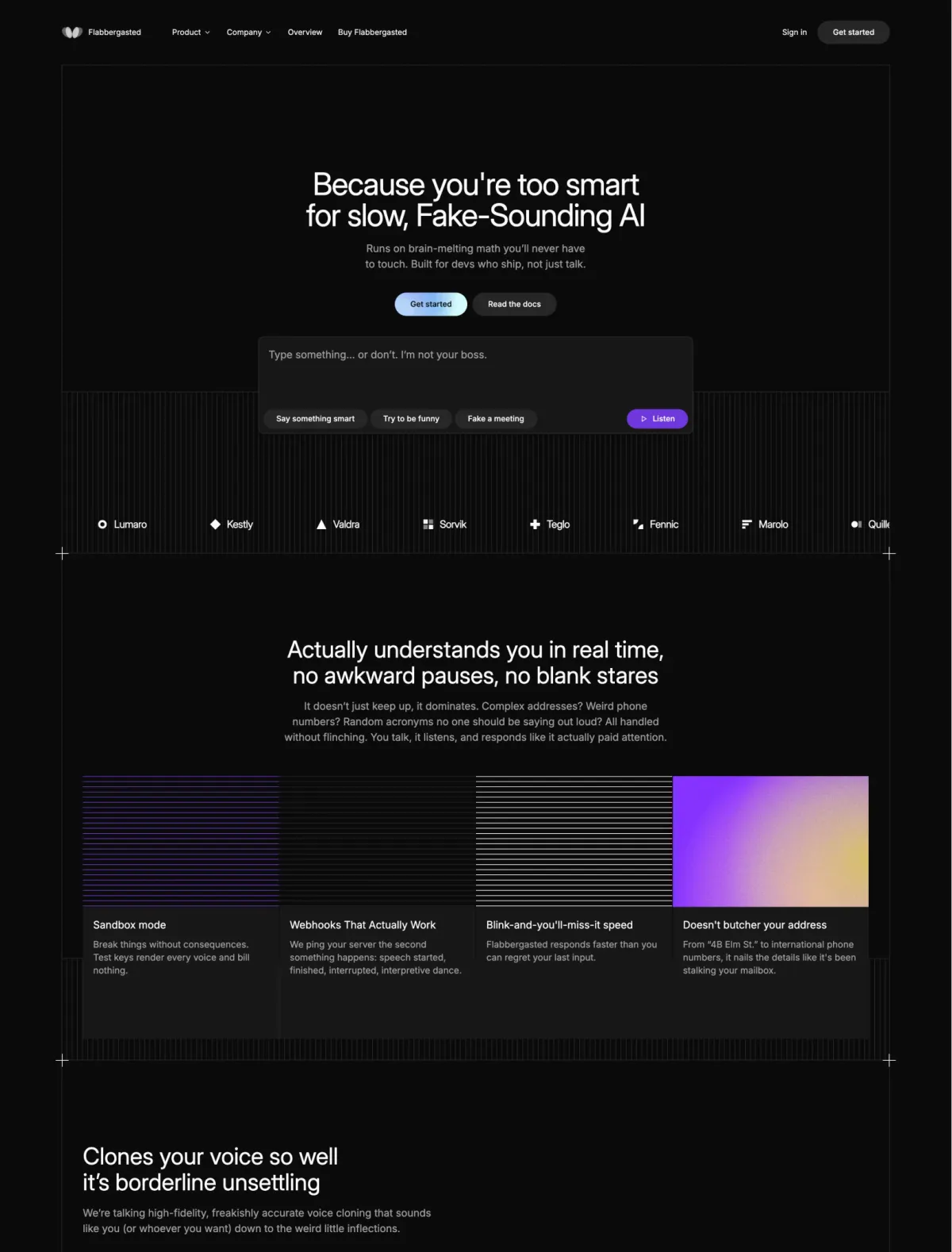
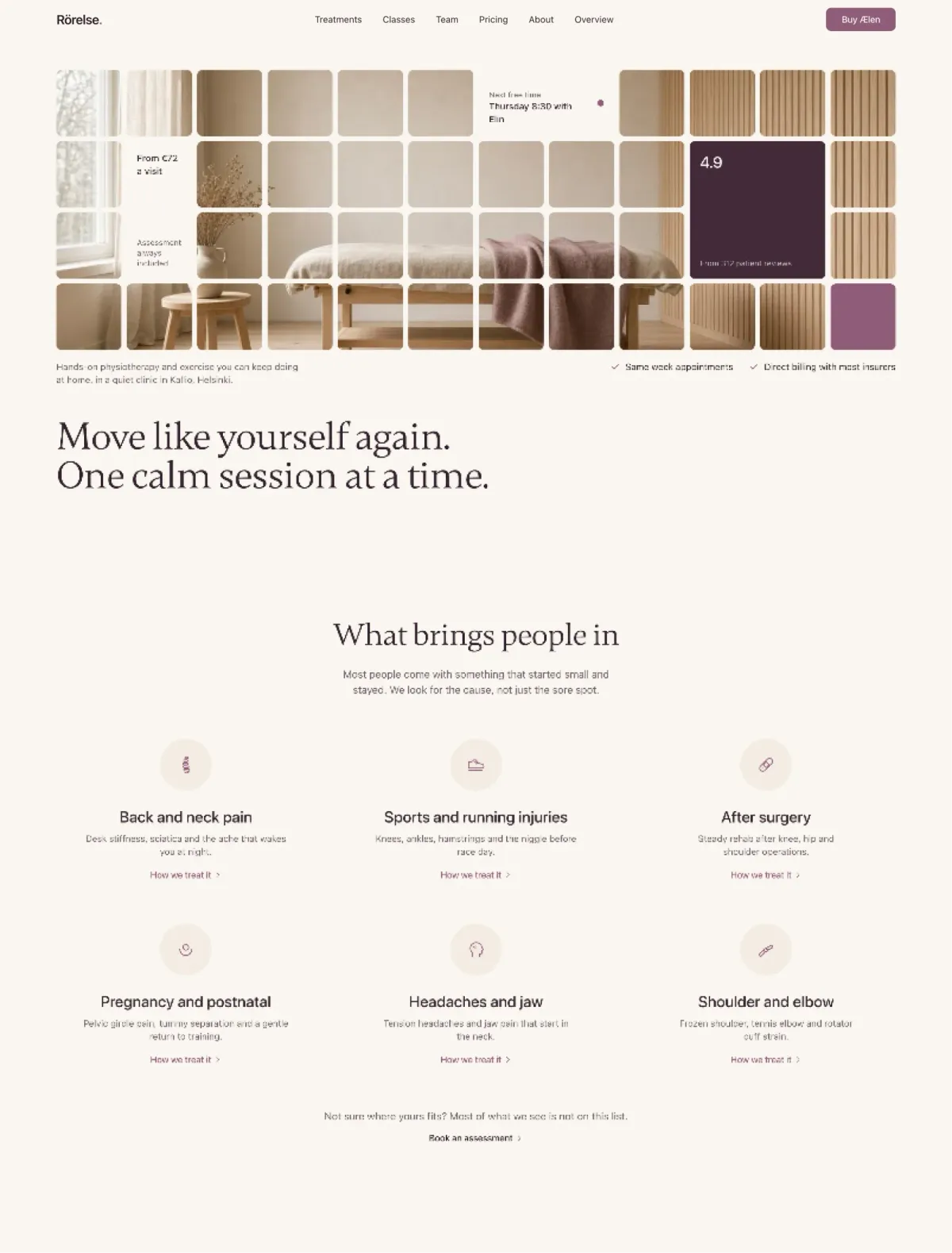
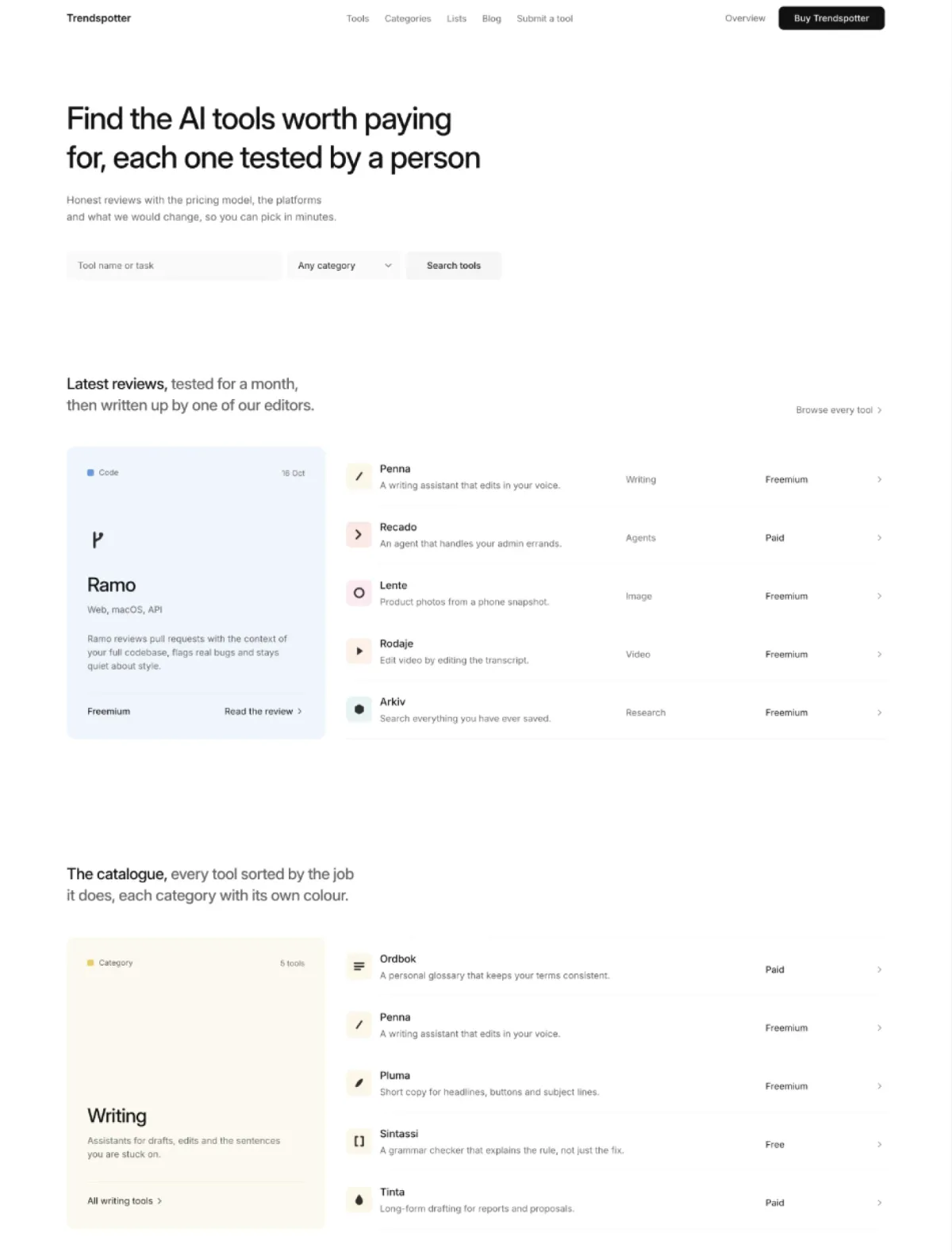
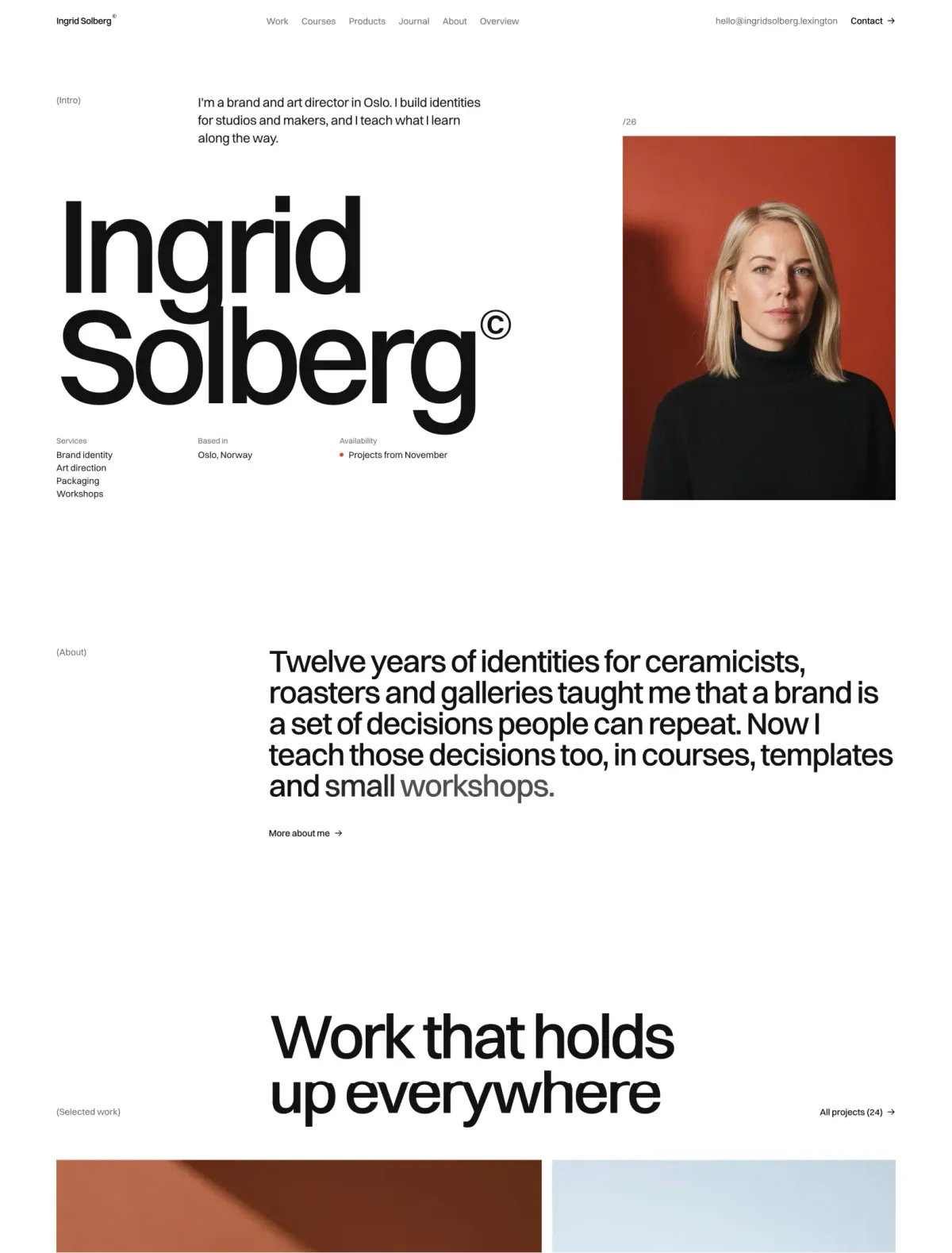
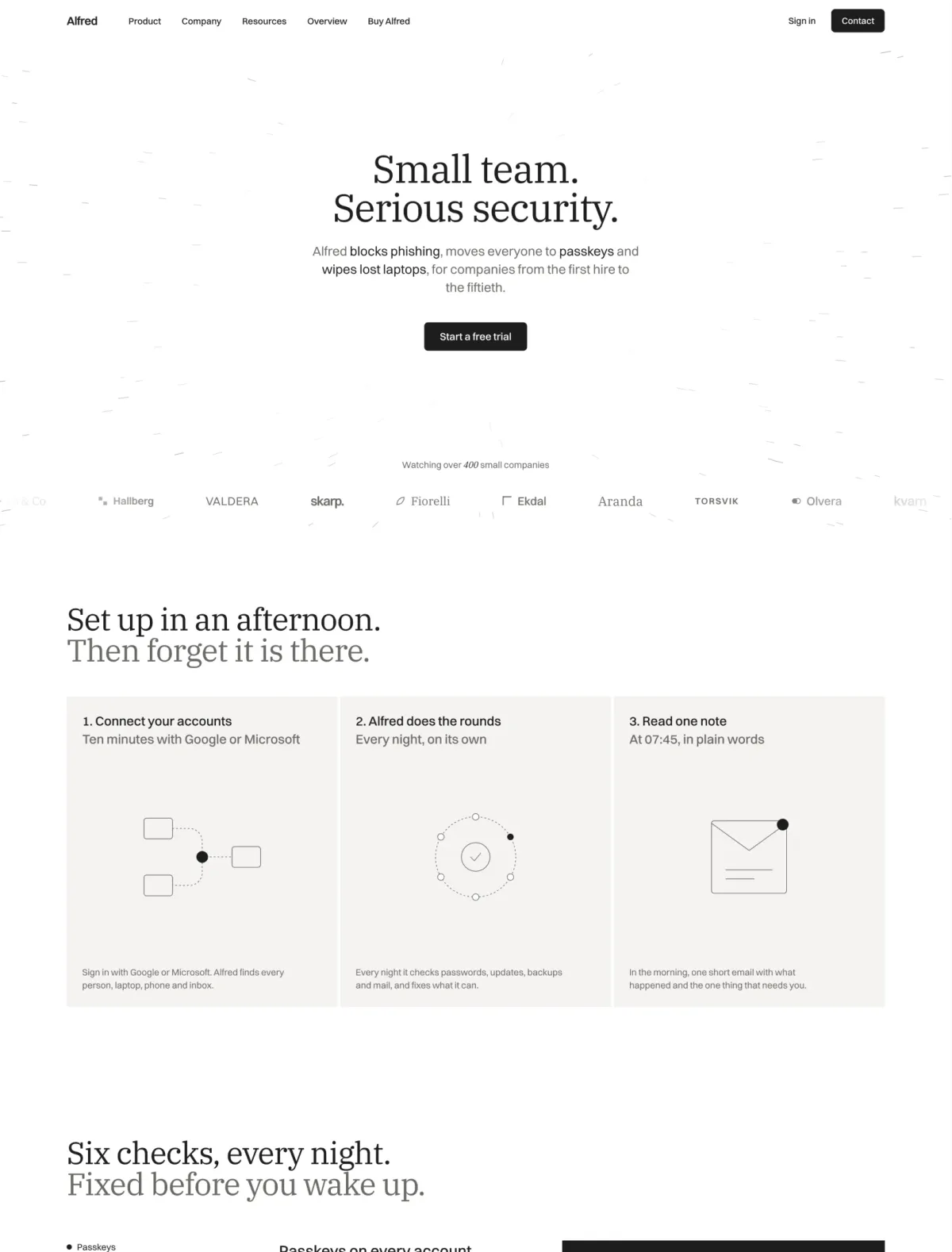
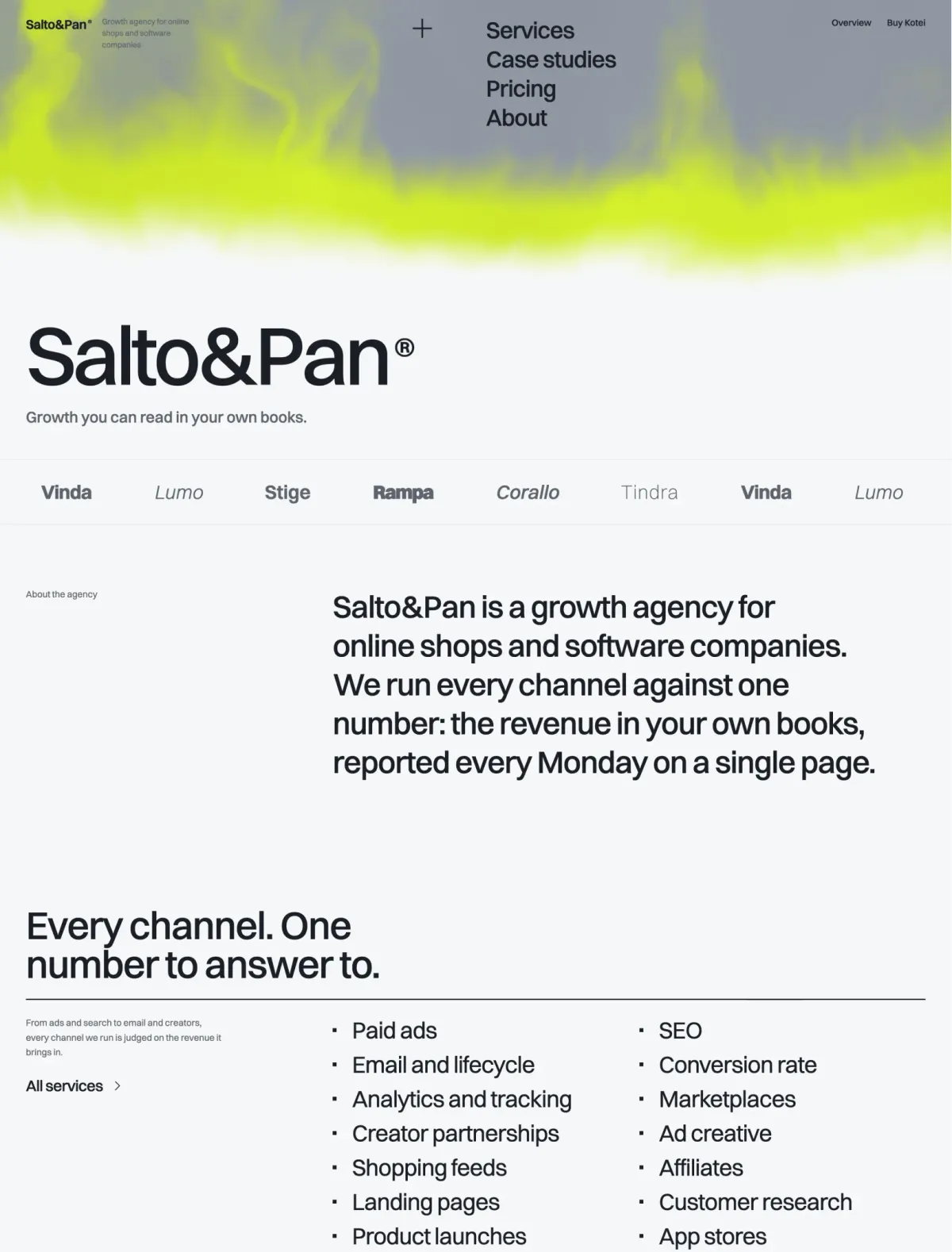
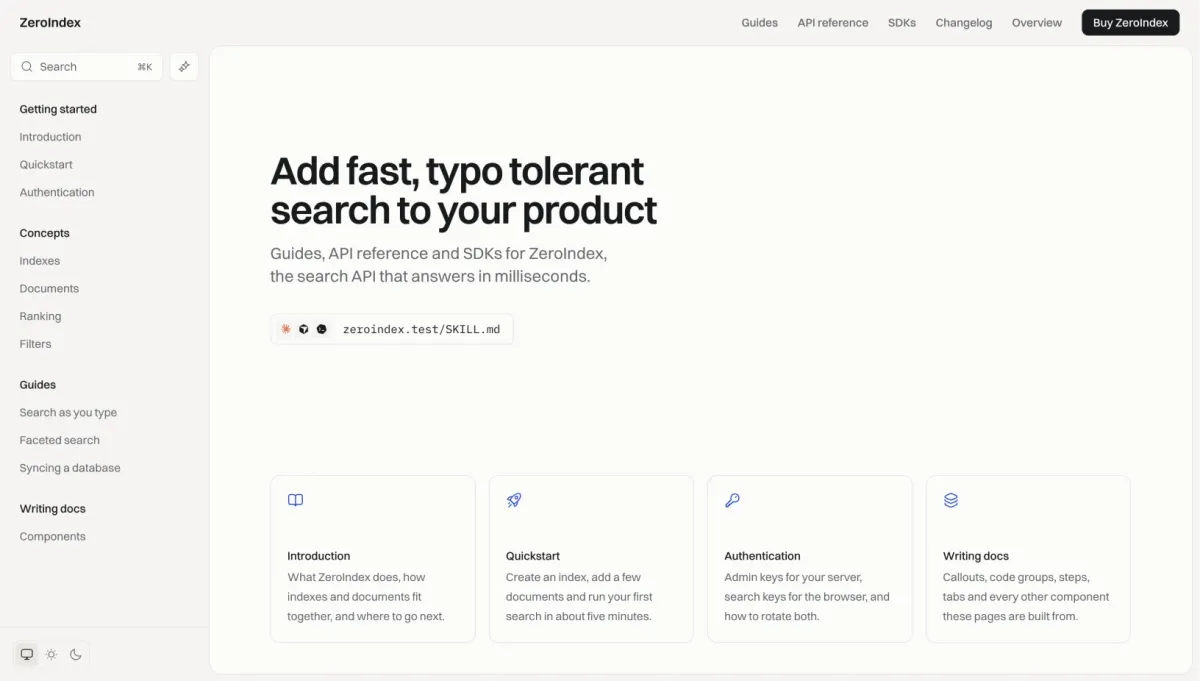
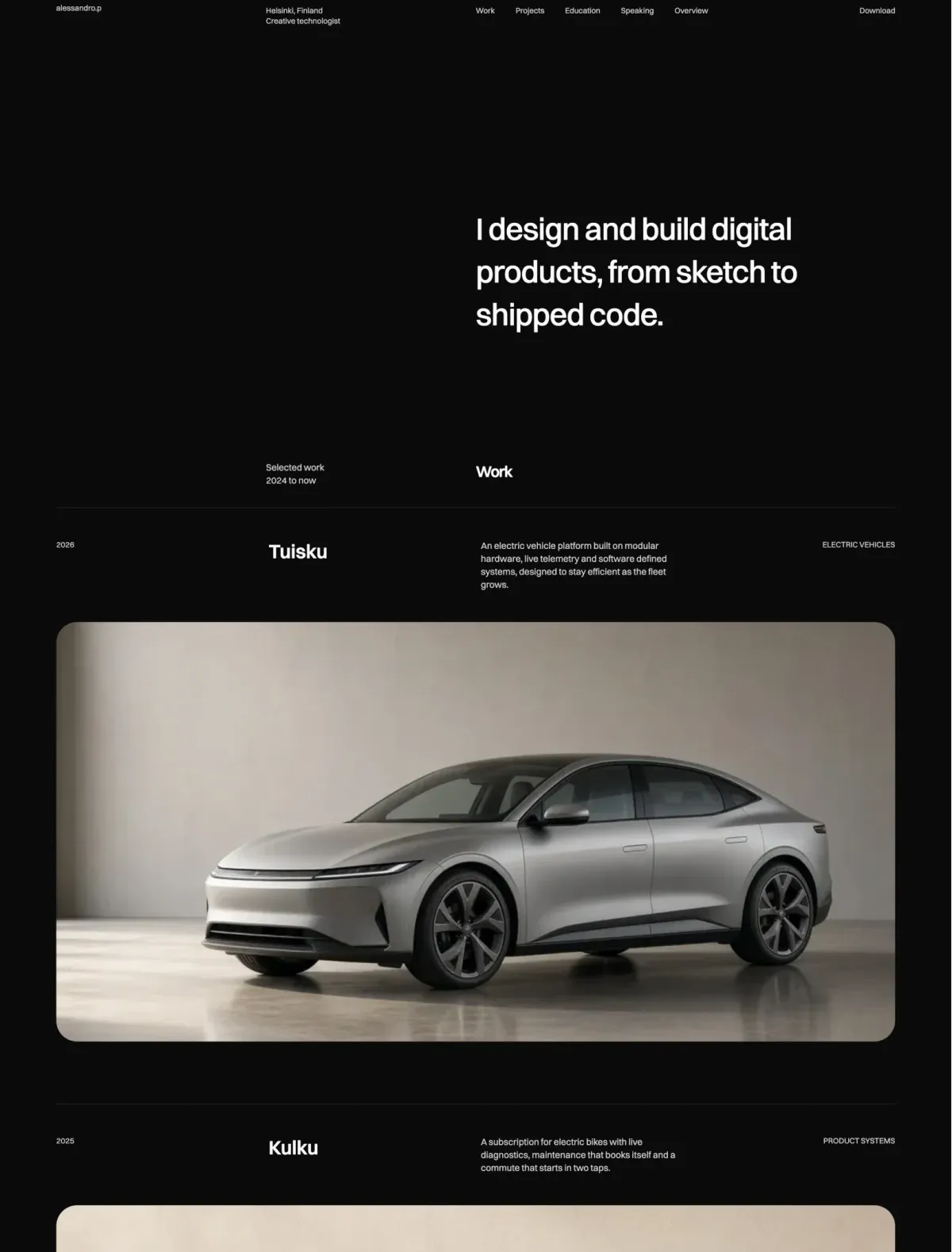

Your agent writes the code. Lexington brings the design.

Every theme's design system and finished sections, served to your agent so it writes Astro, React or HTML that matches the theme you pick instead of guessing. Works in Cursor, Claude Code and Codex, and any other MCP client.

See plans

Four things your agent gets from real sections that a prompt can't give it.

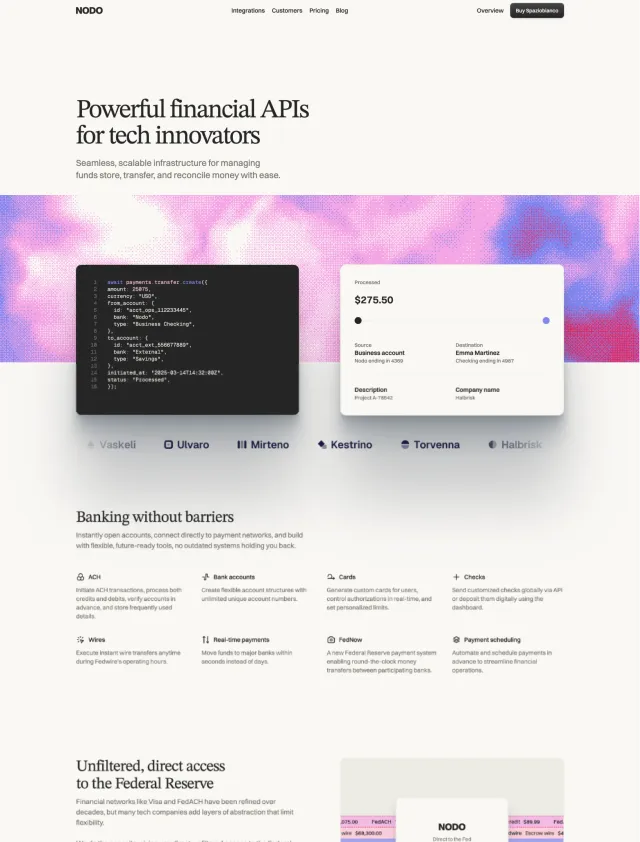
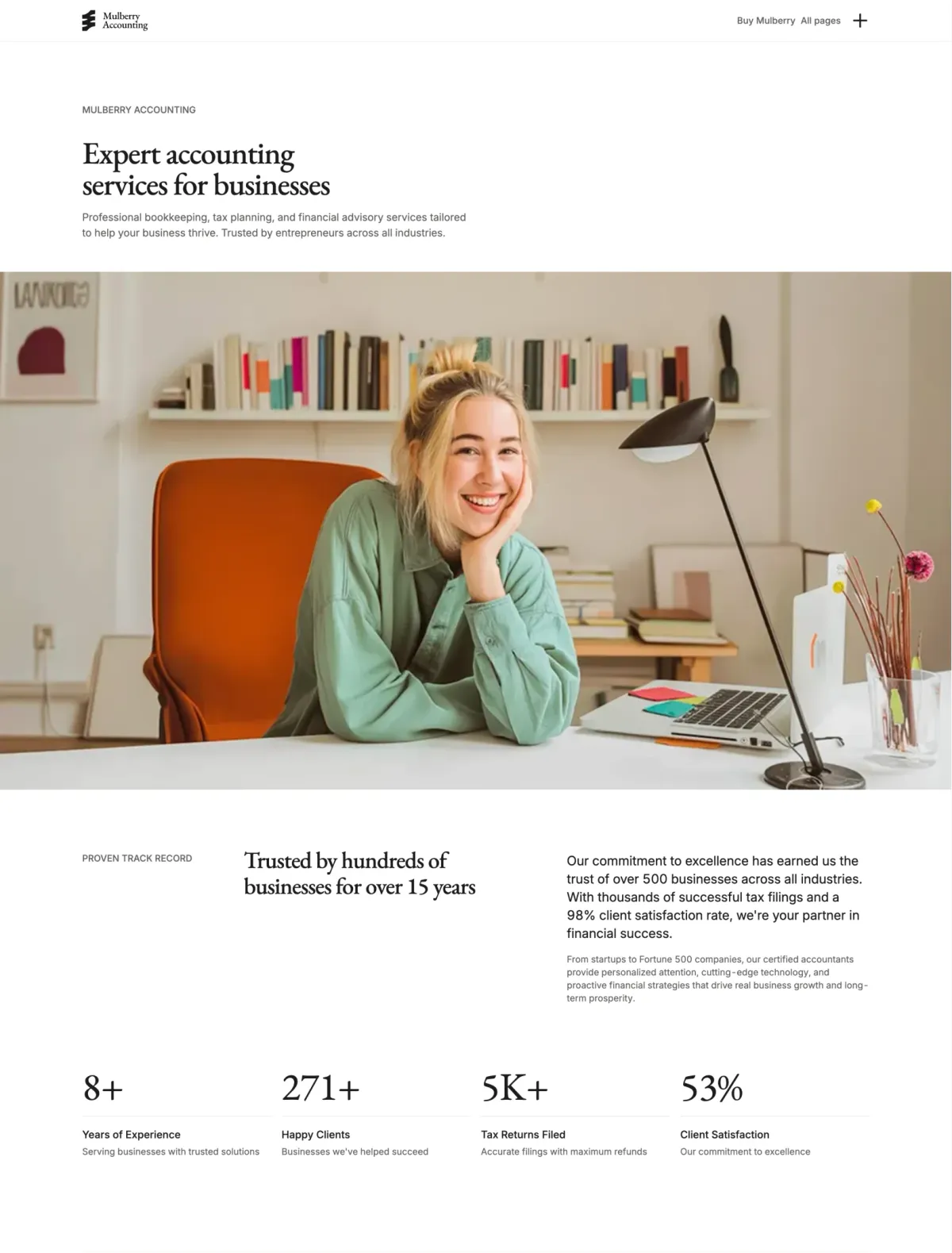
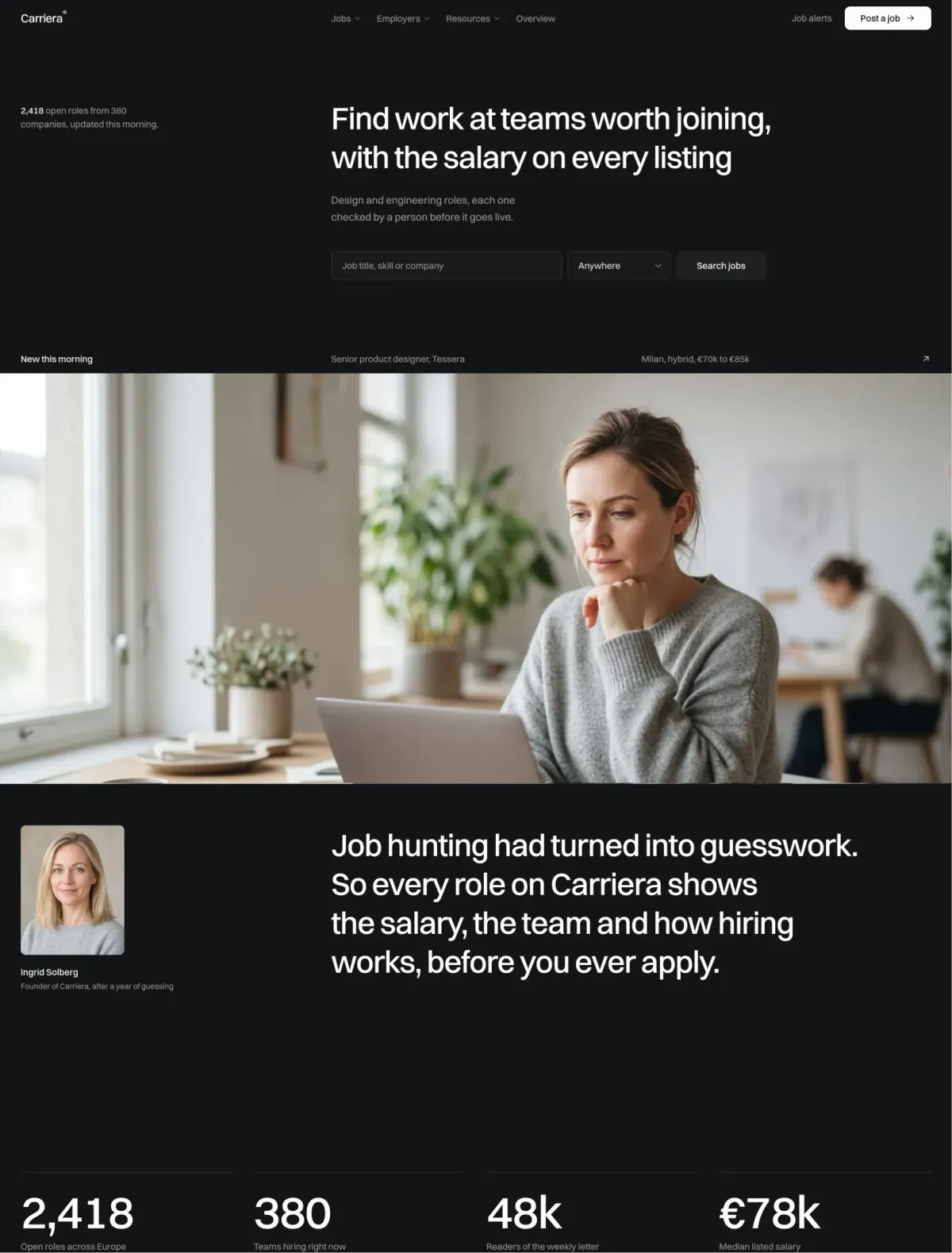
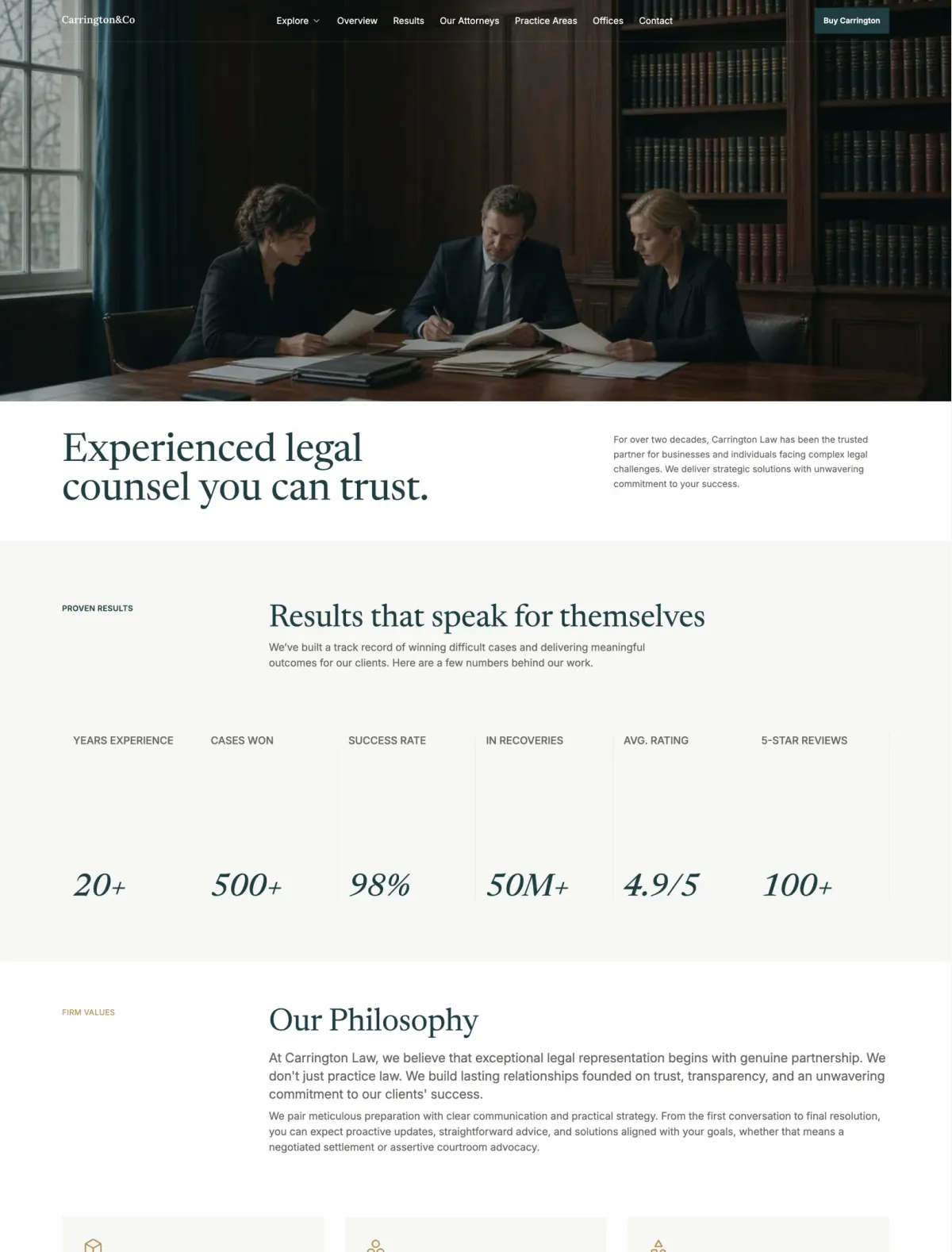
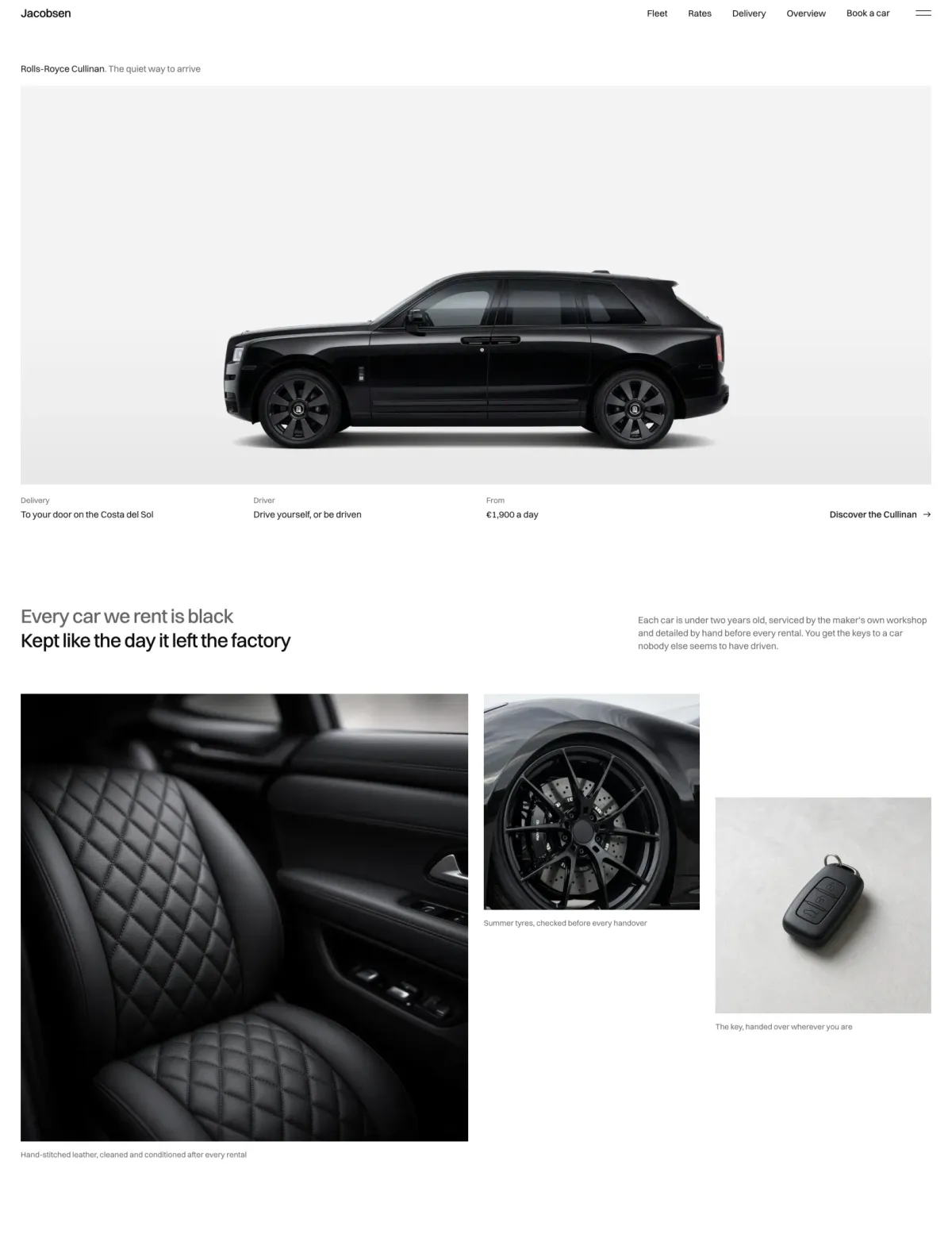
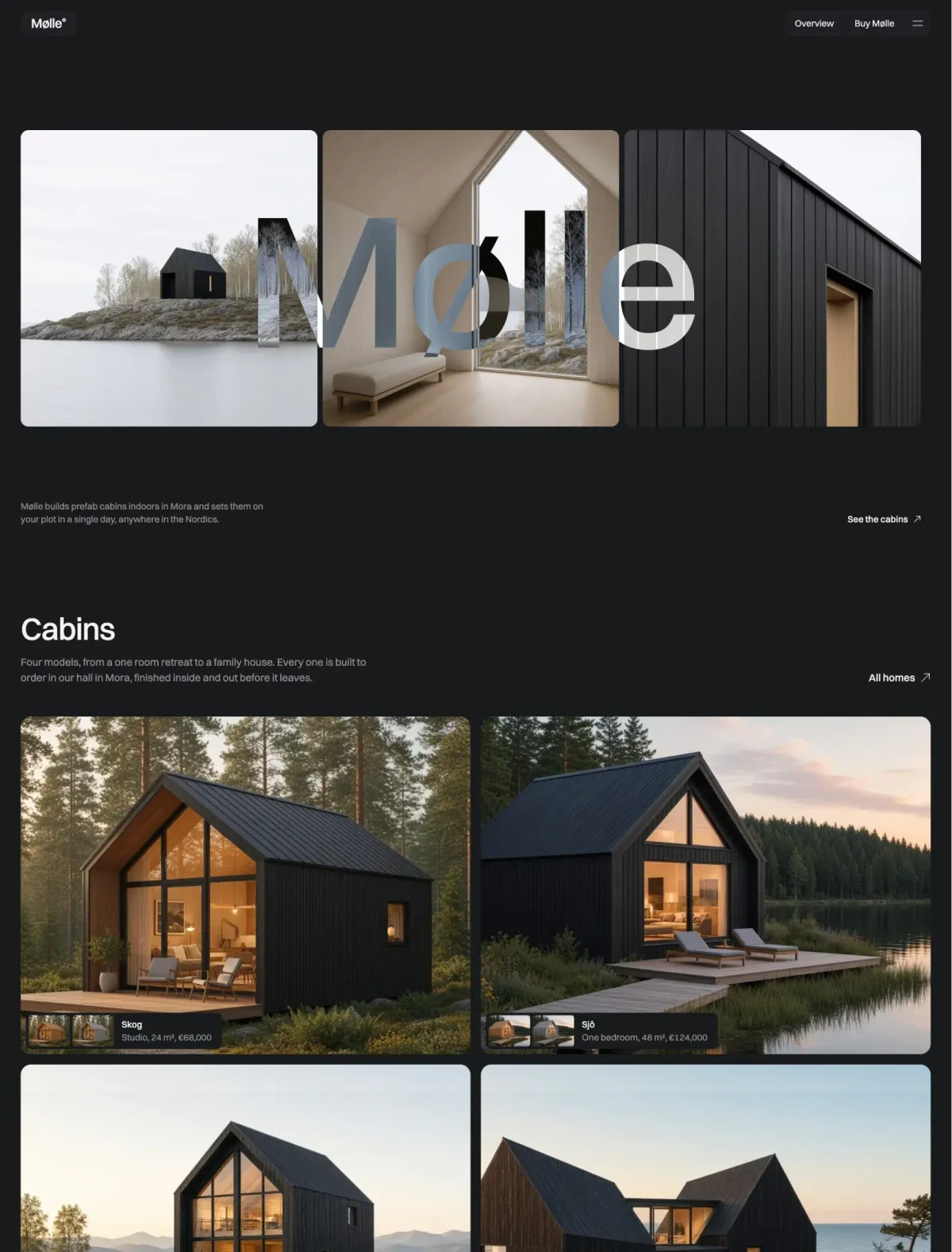
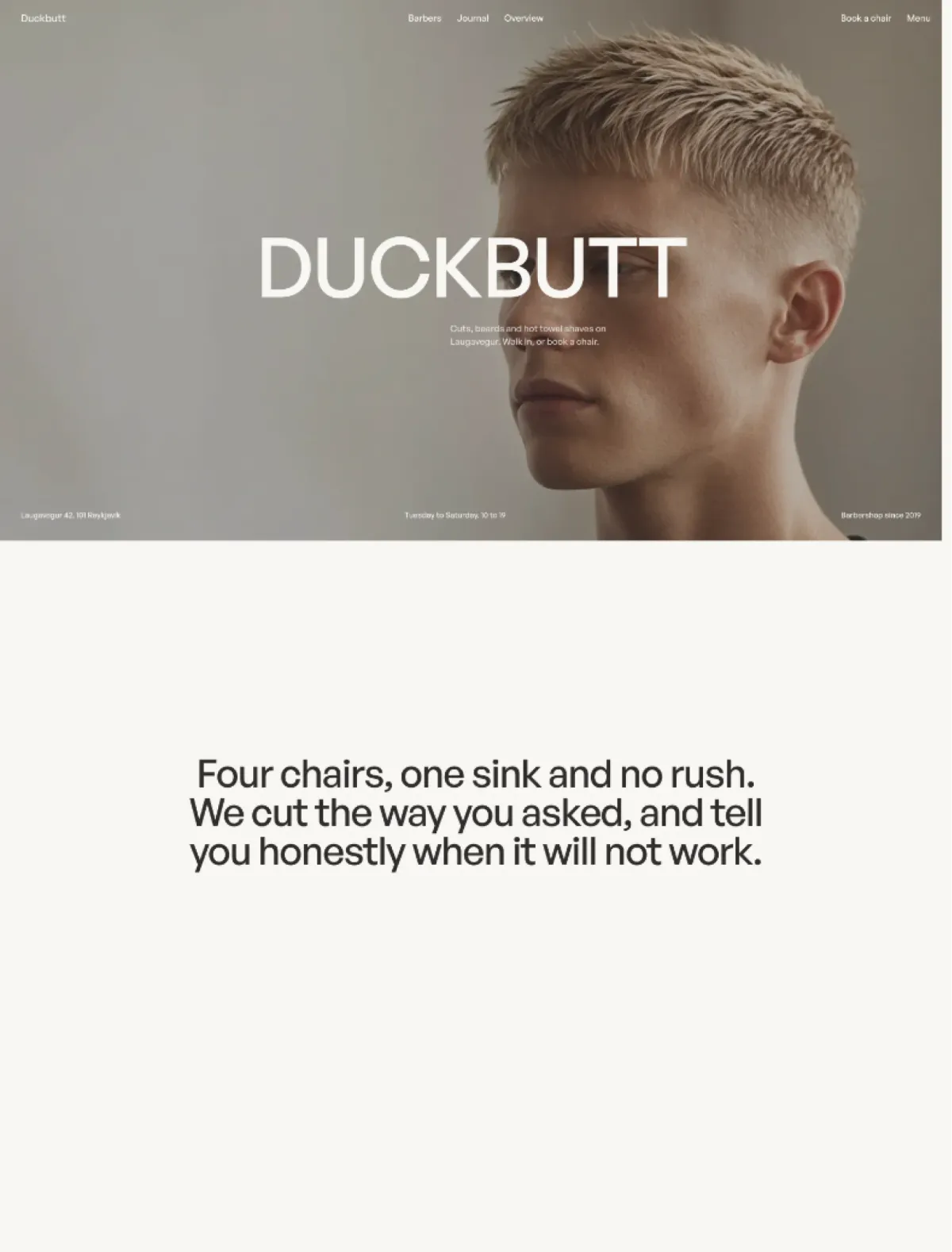
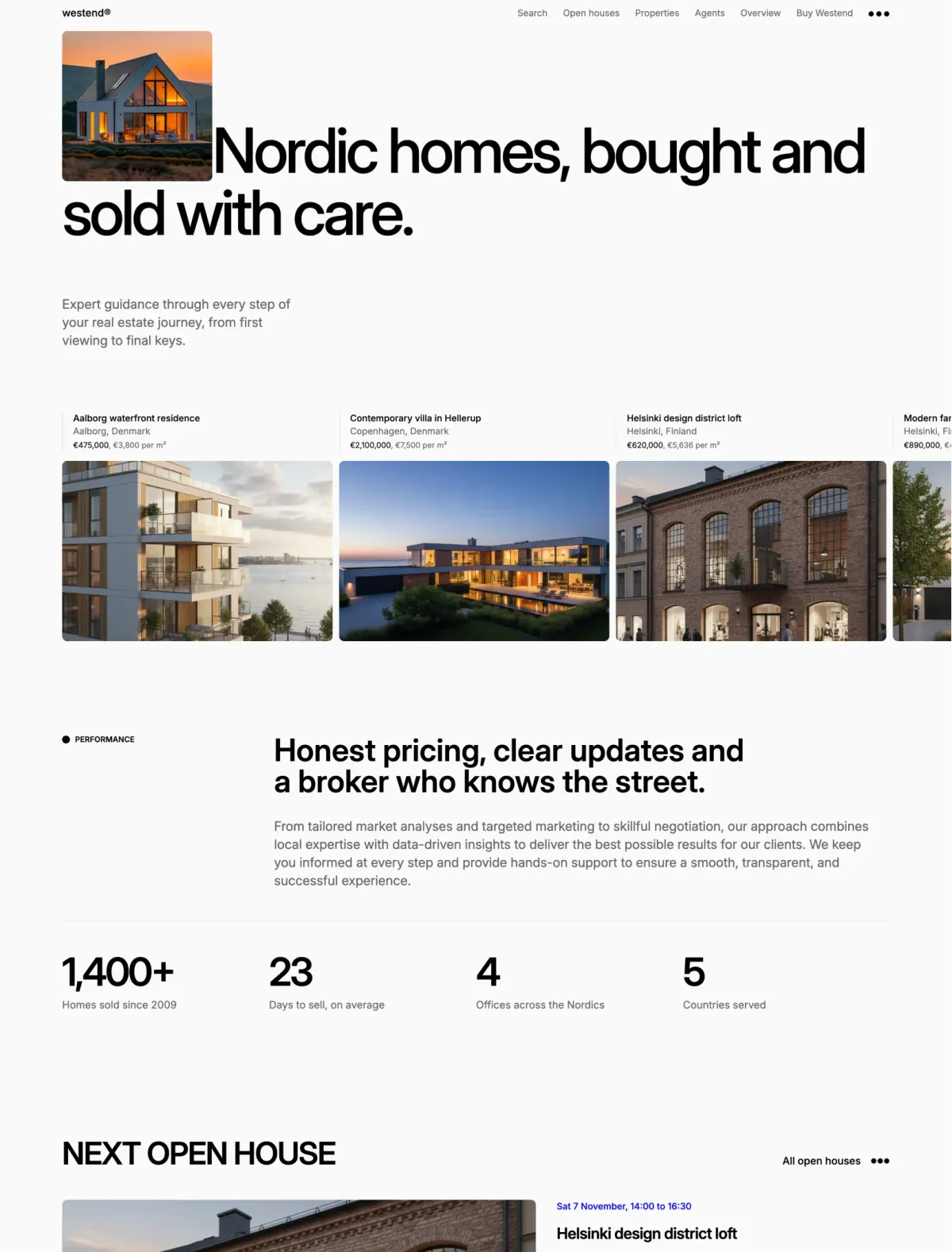
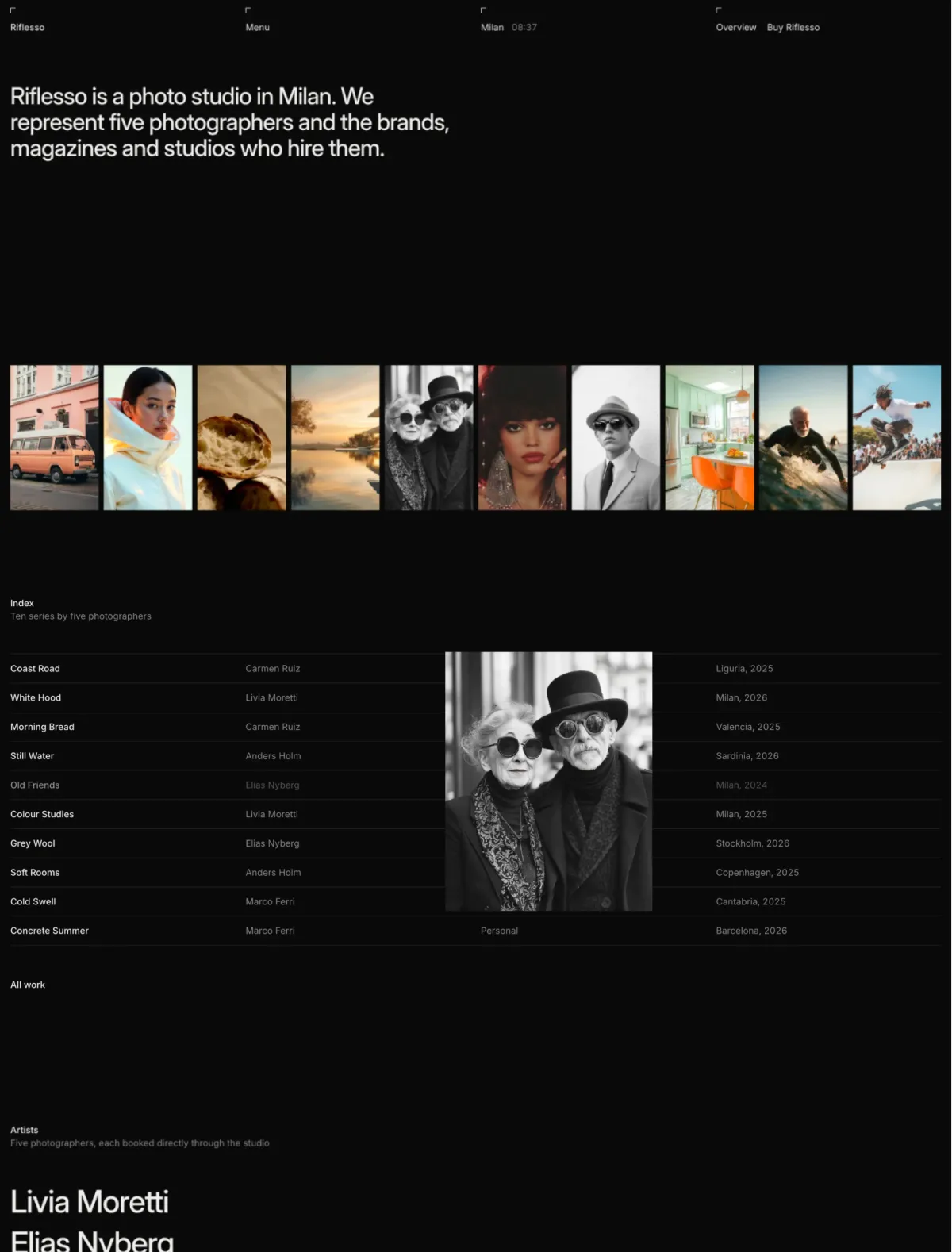
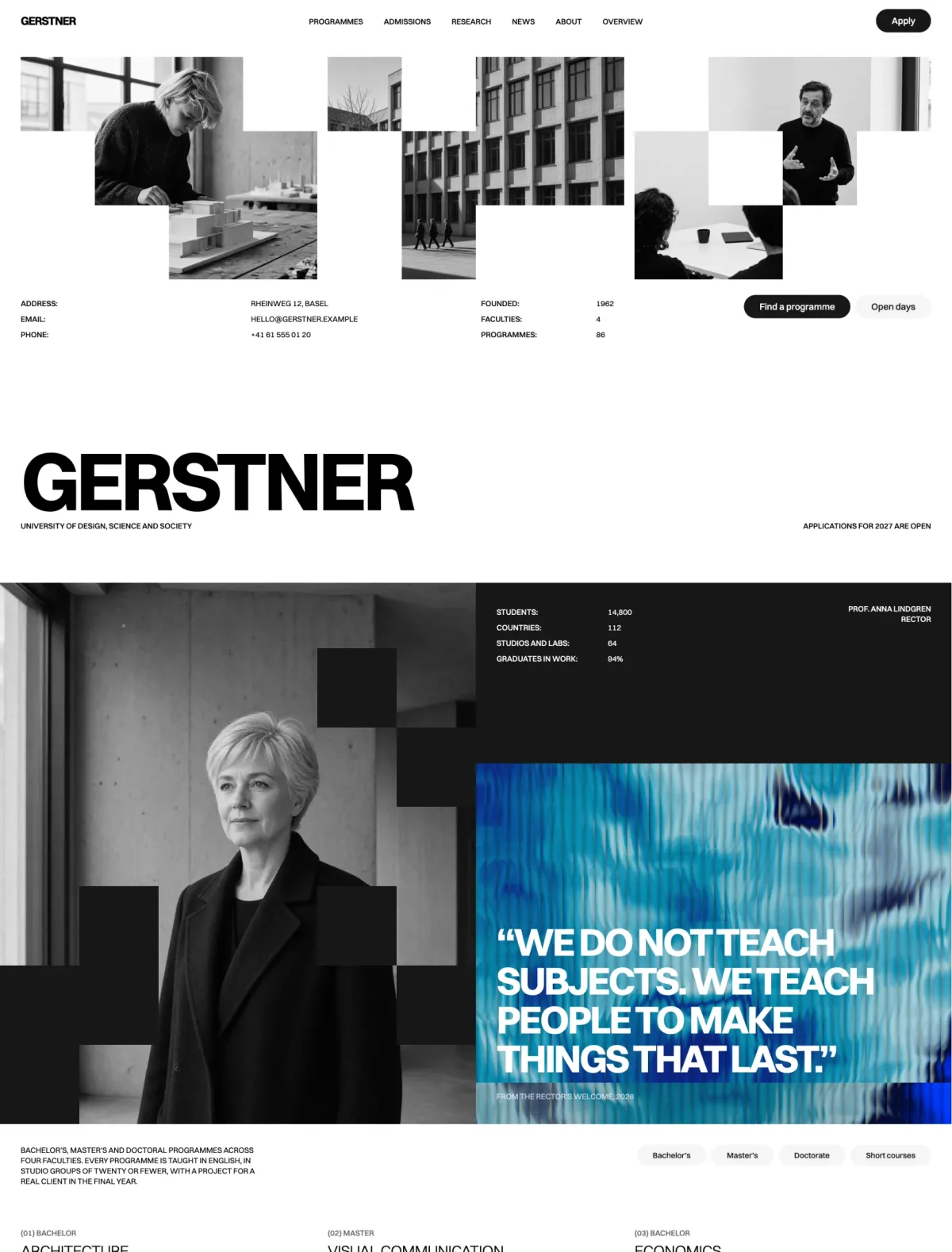
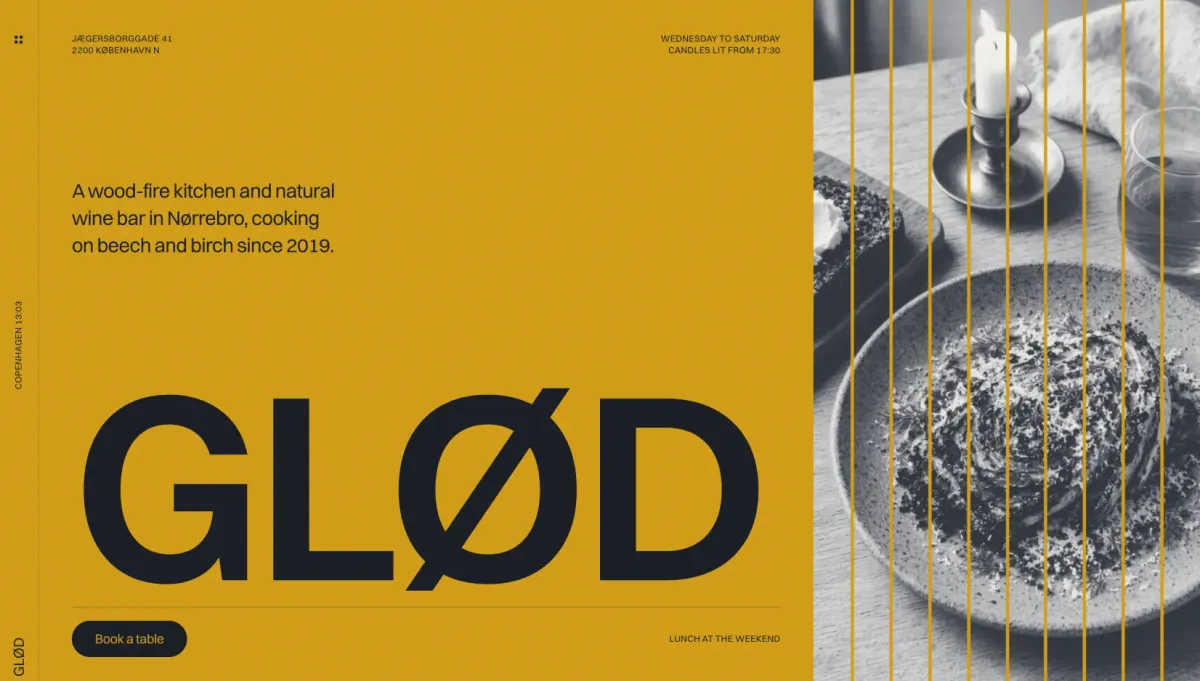
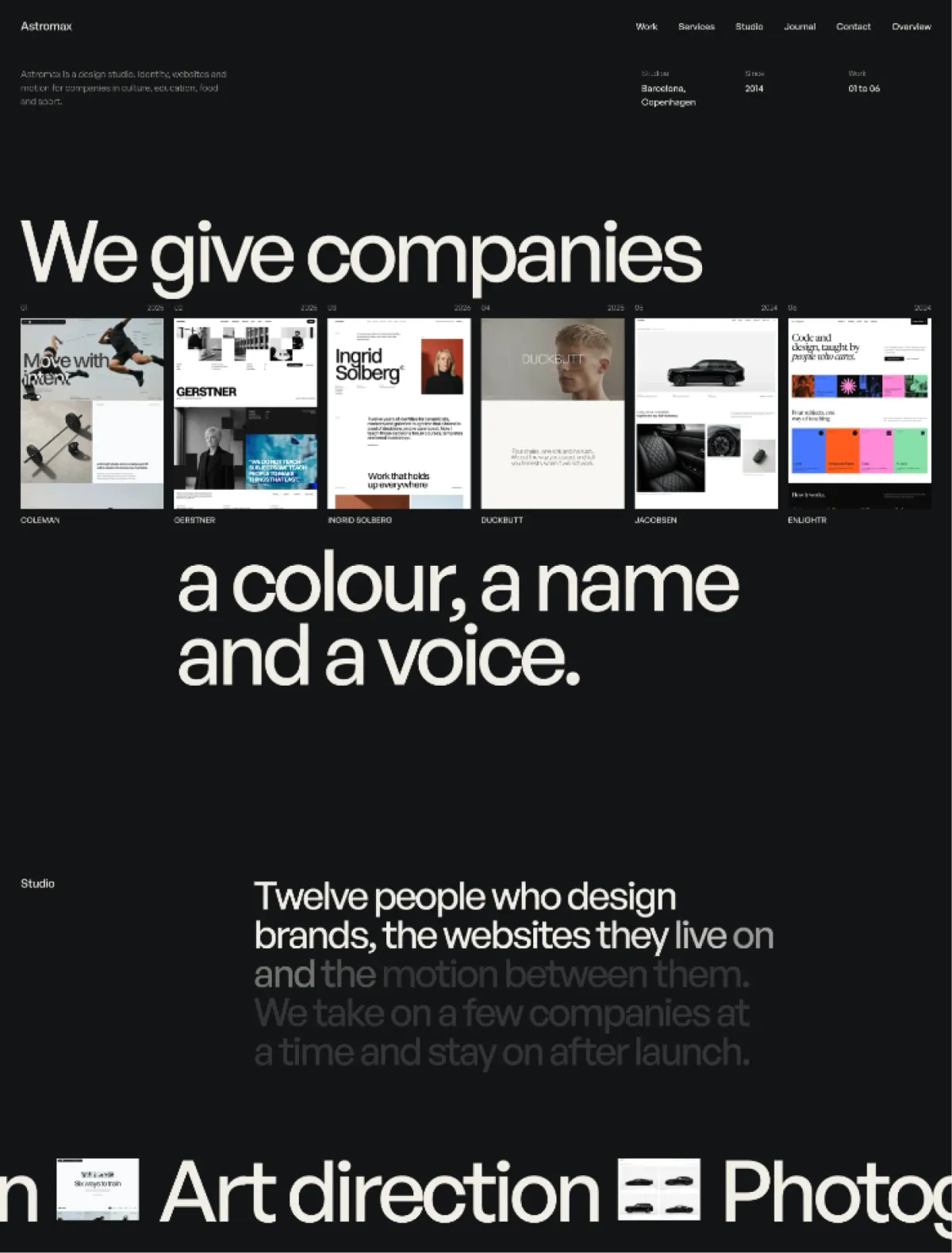
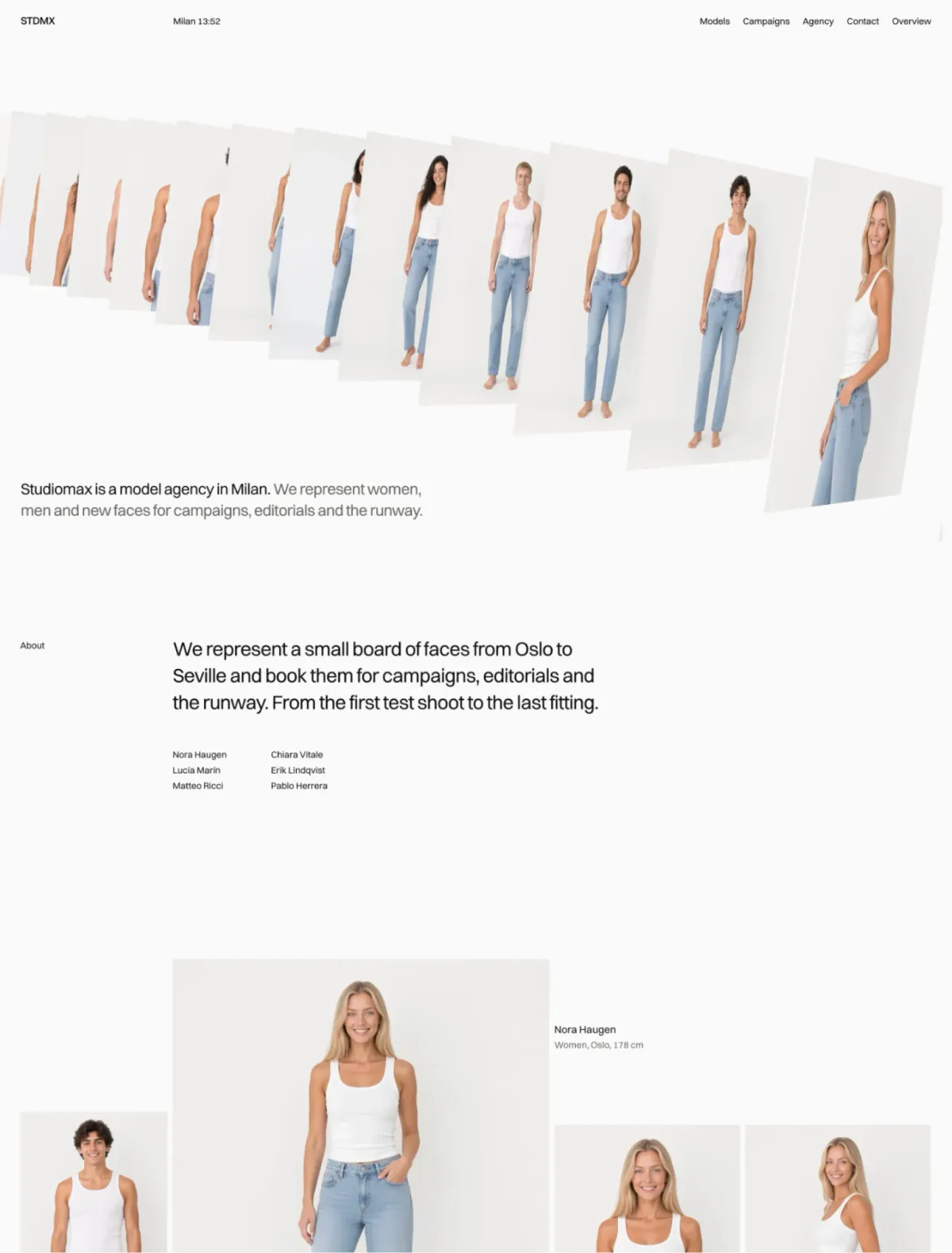
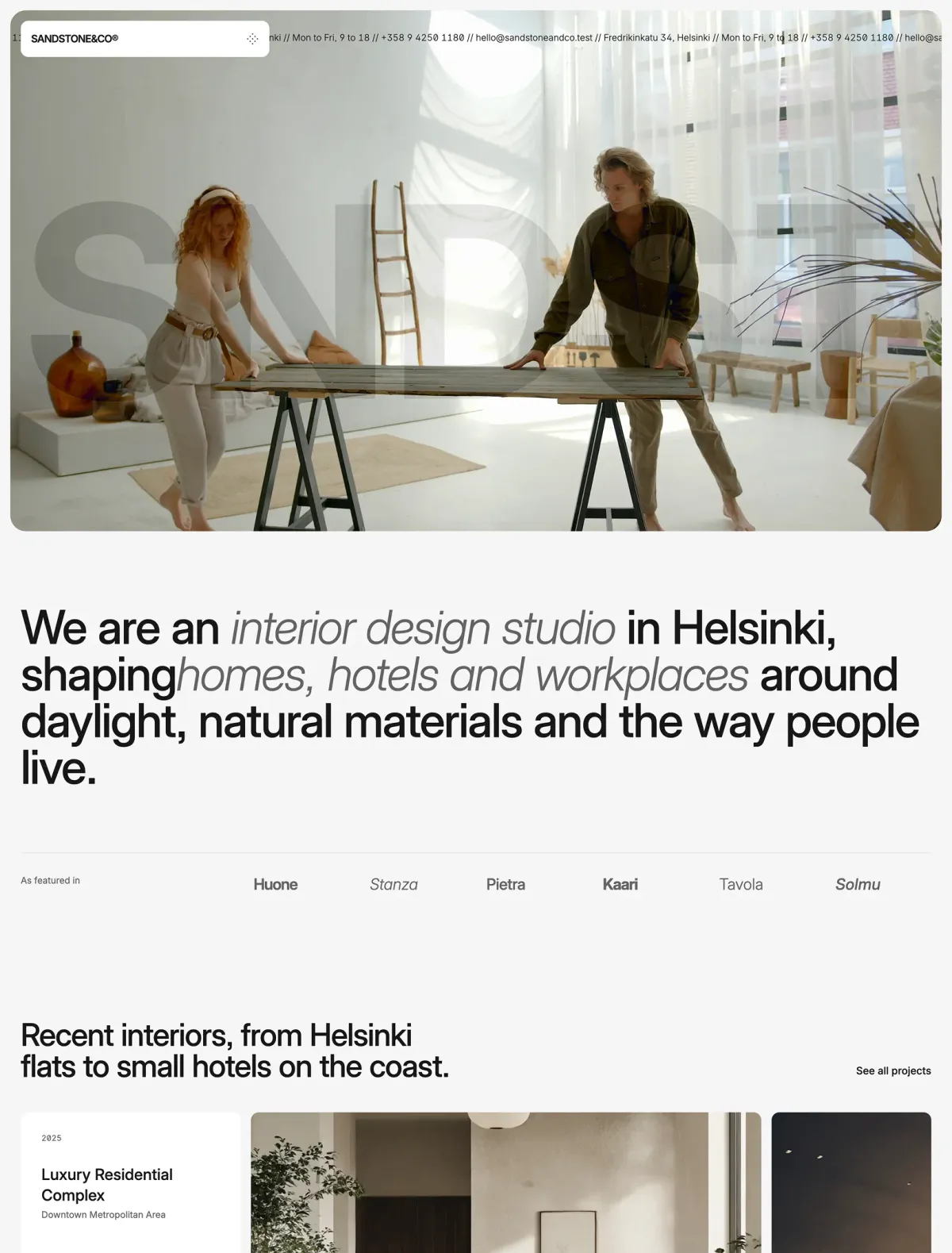
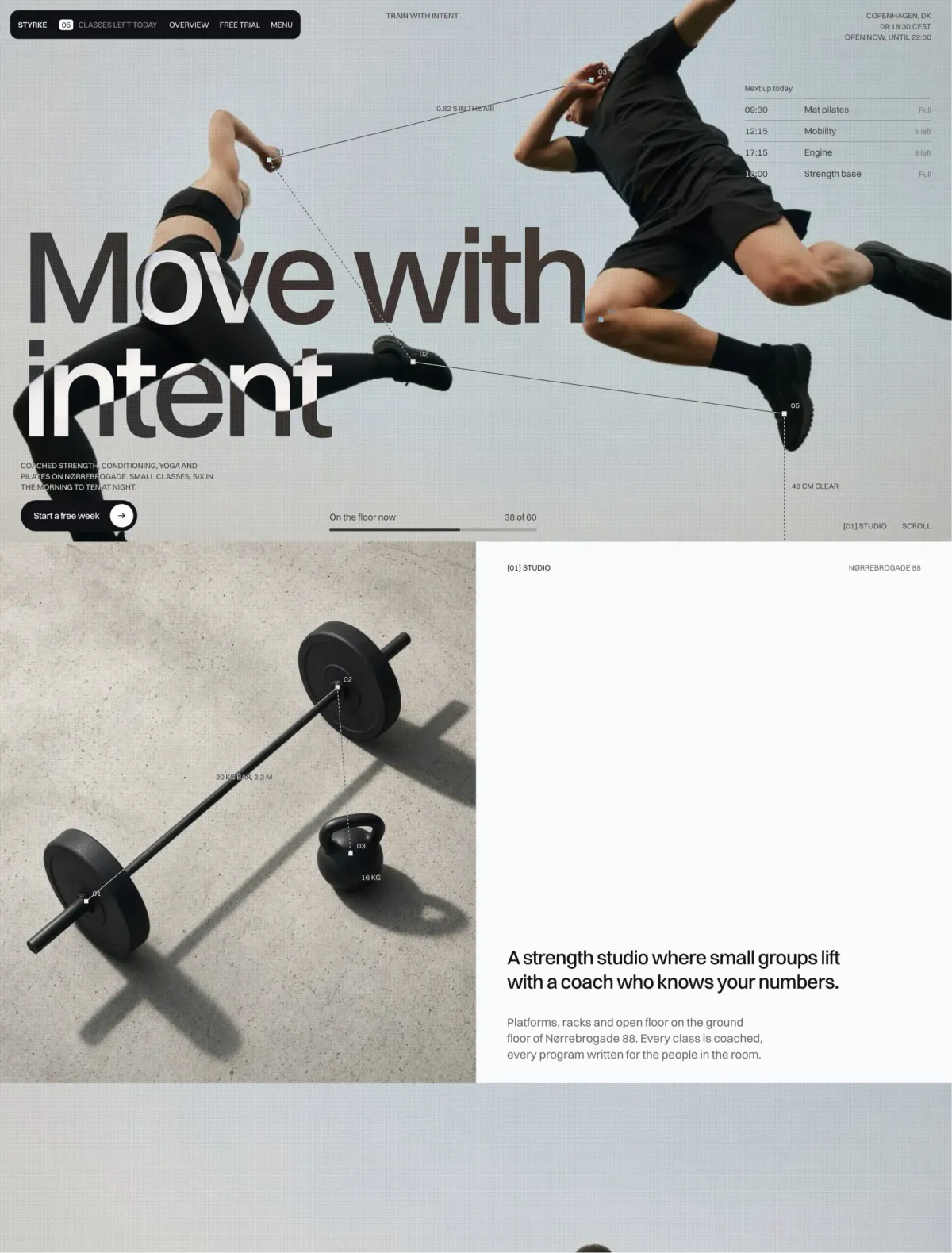
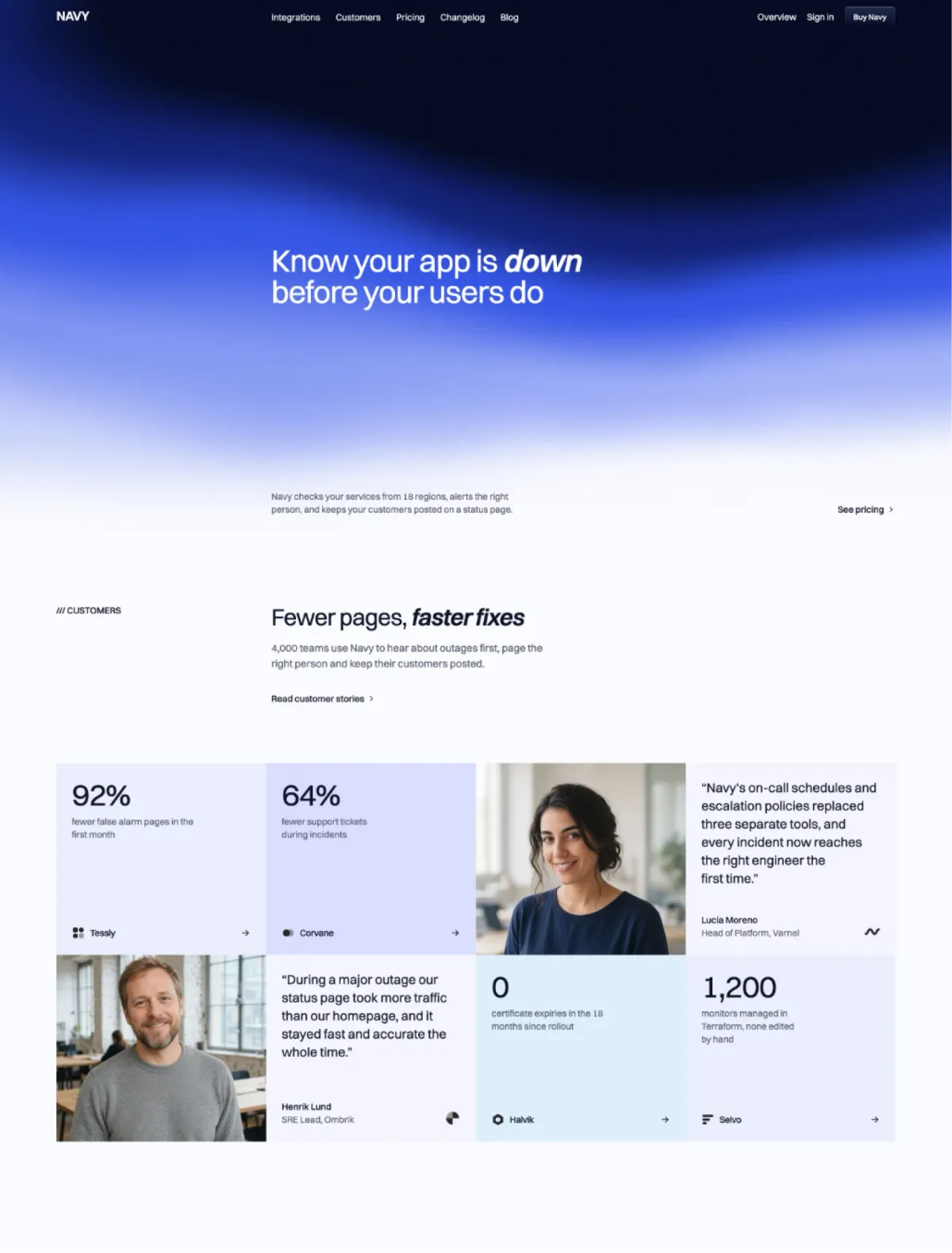
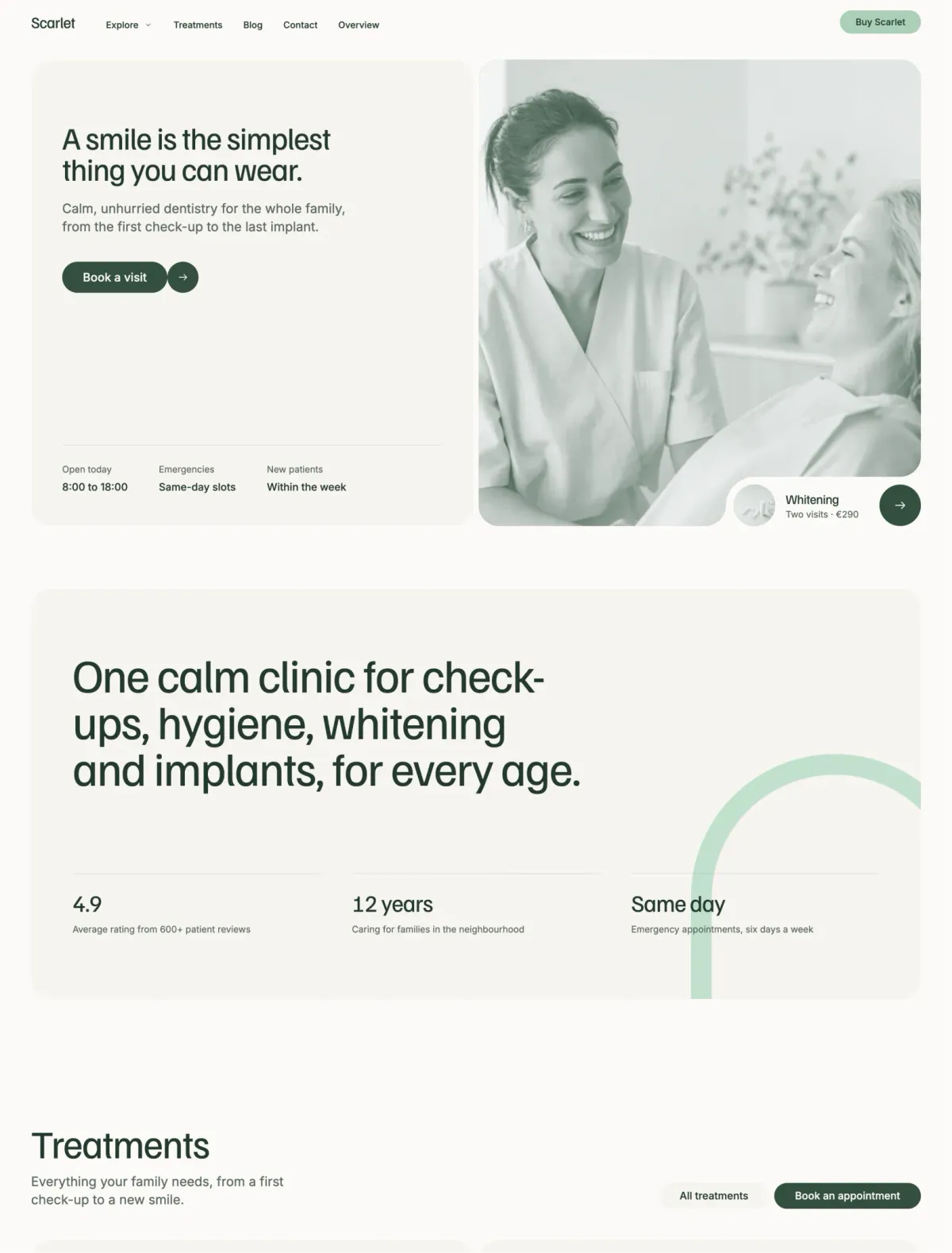
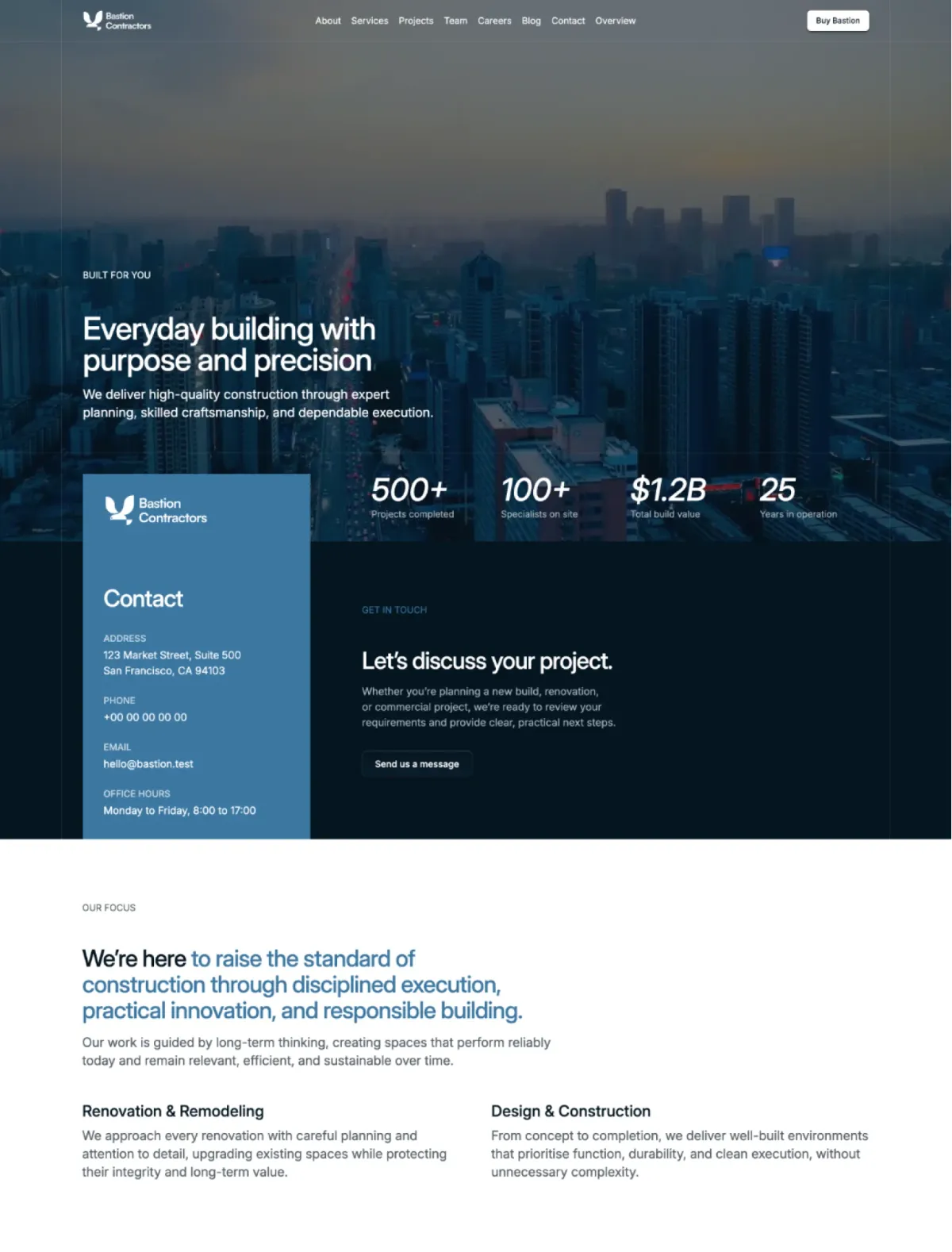
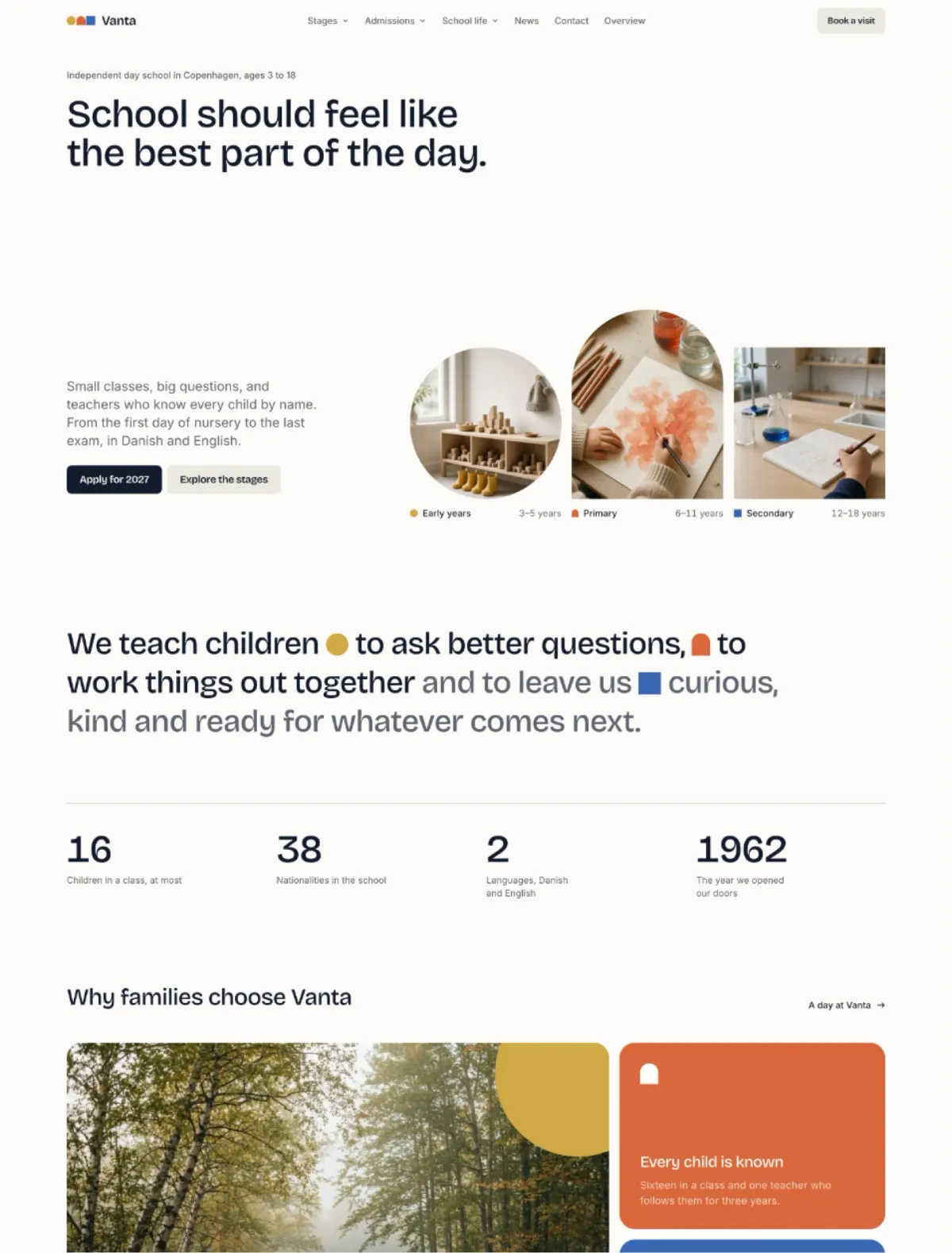
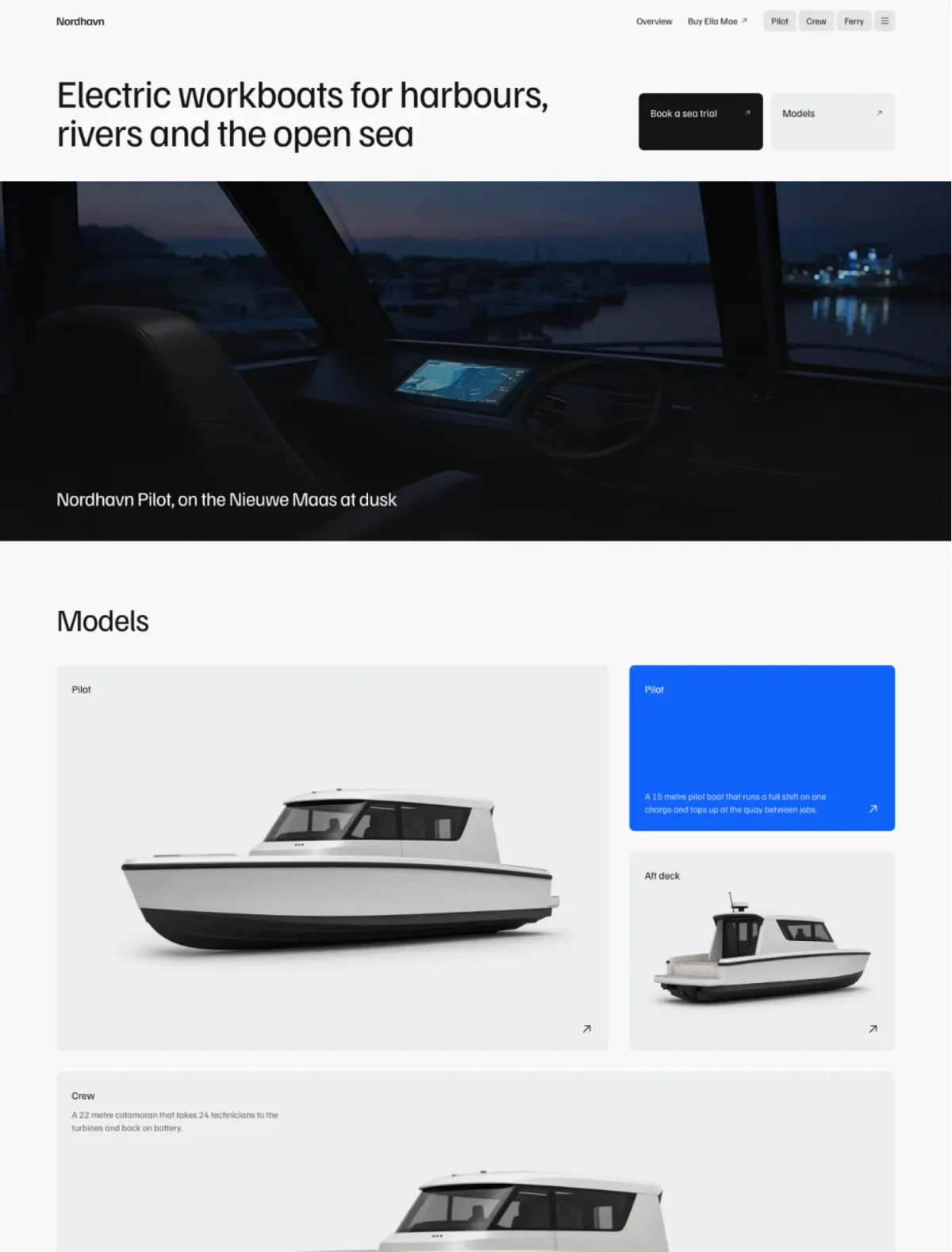
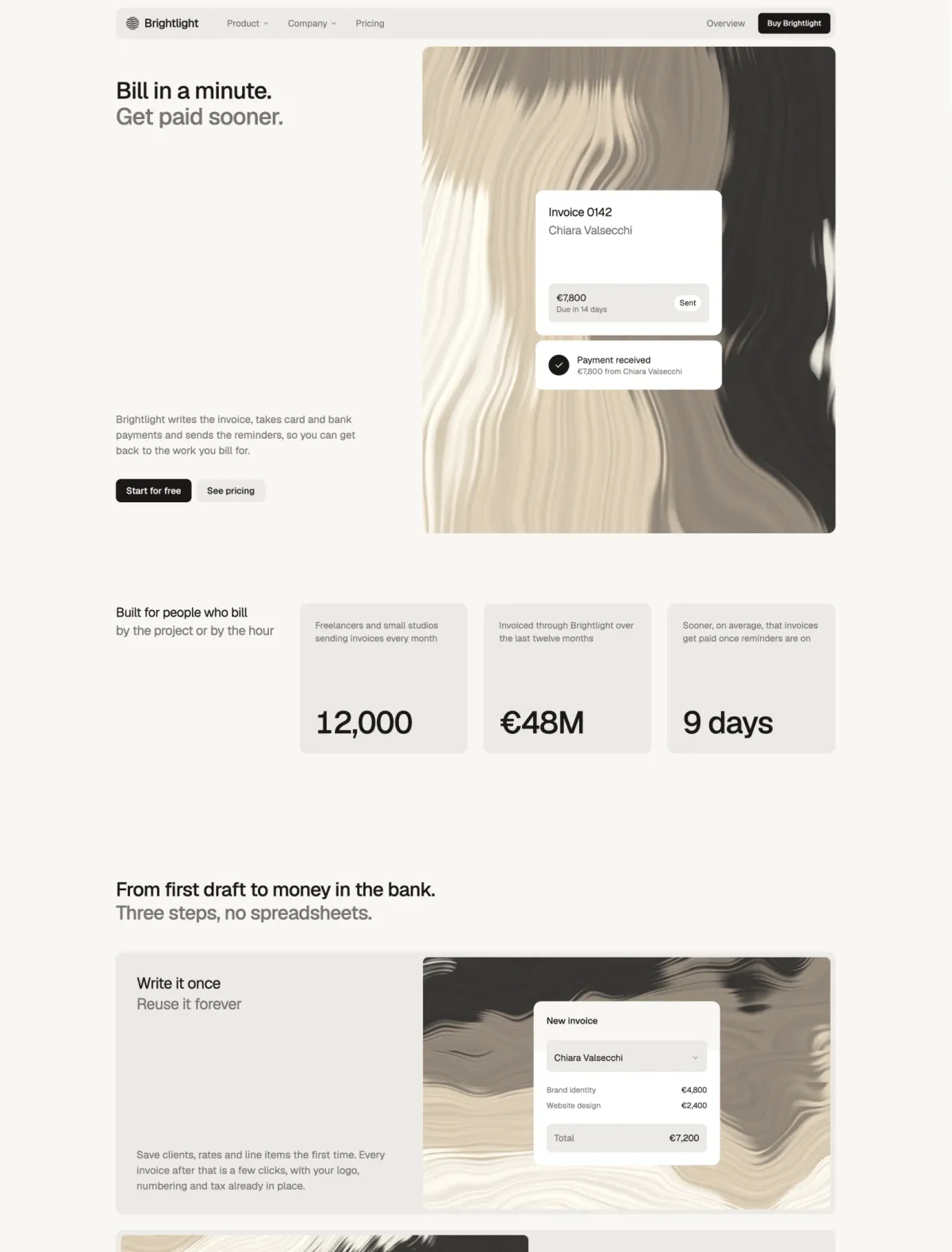
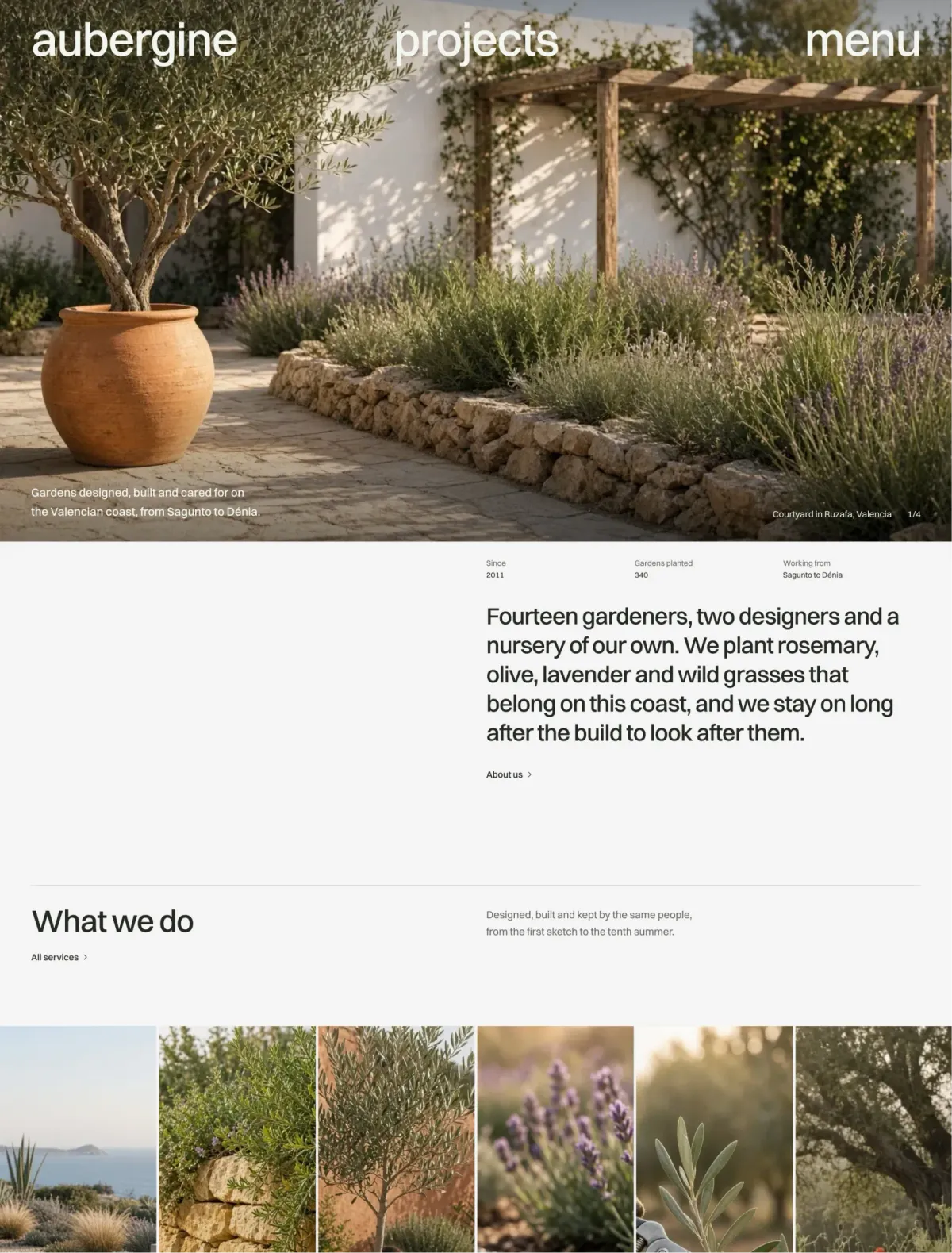
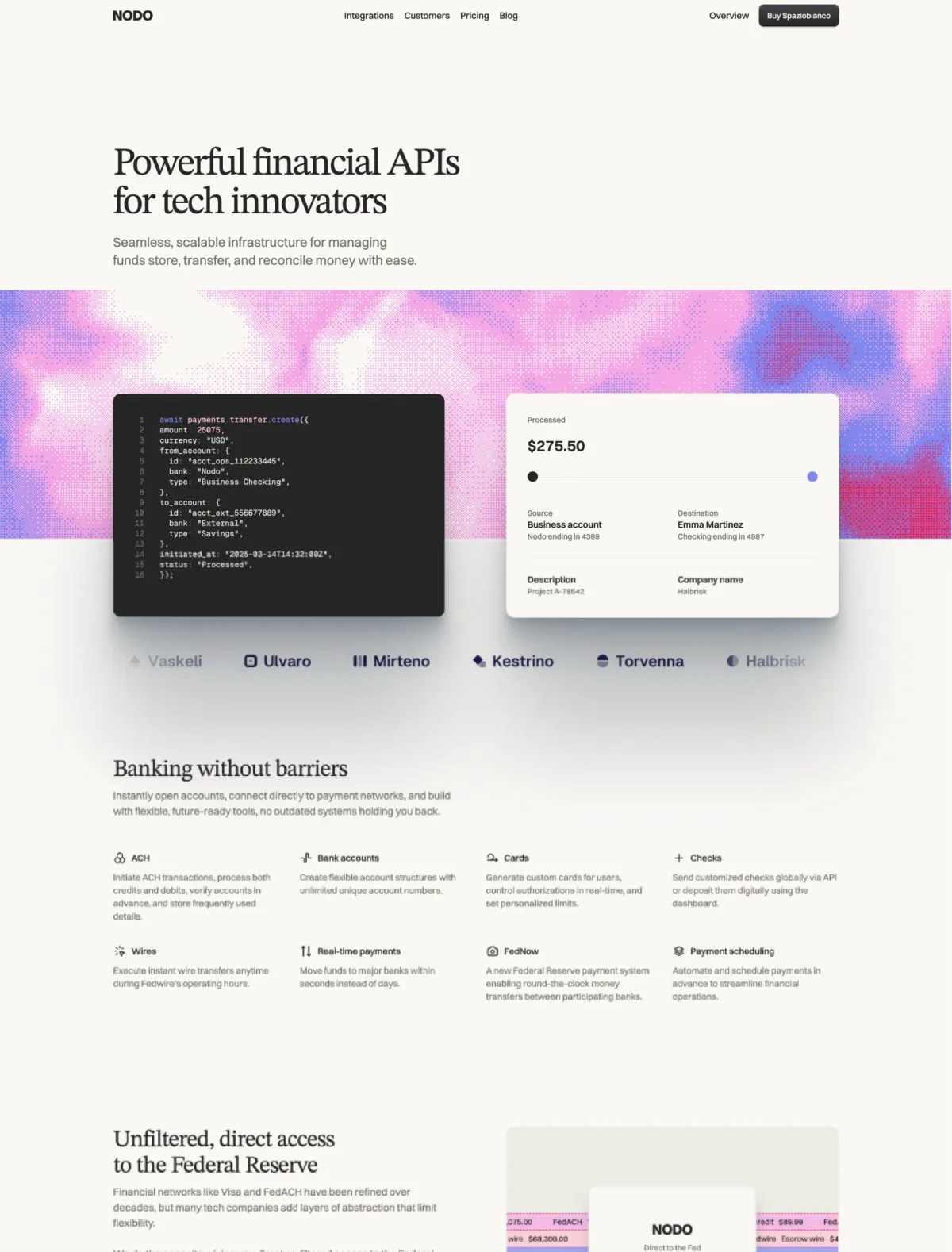
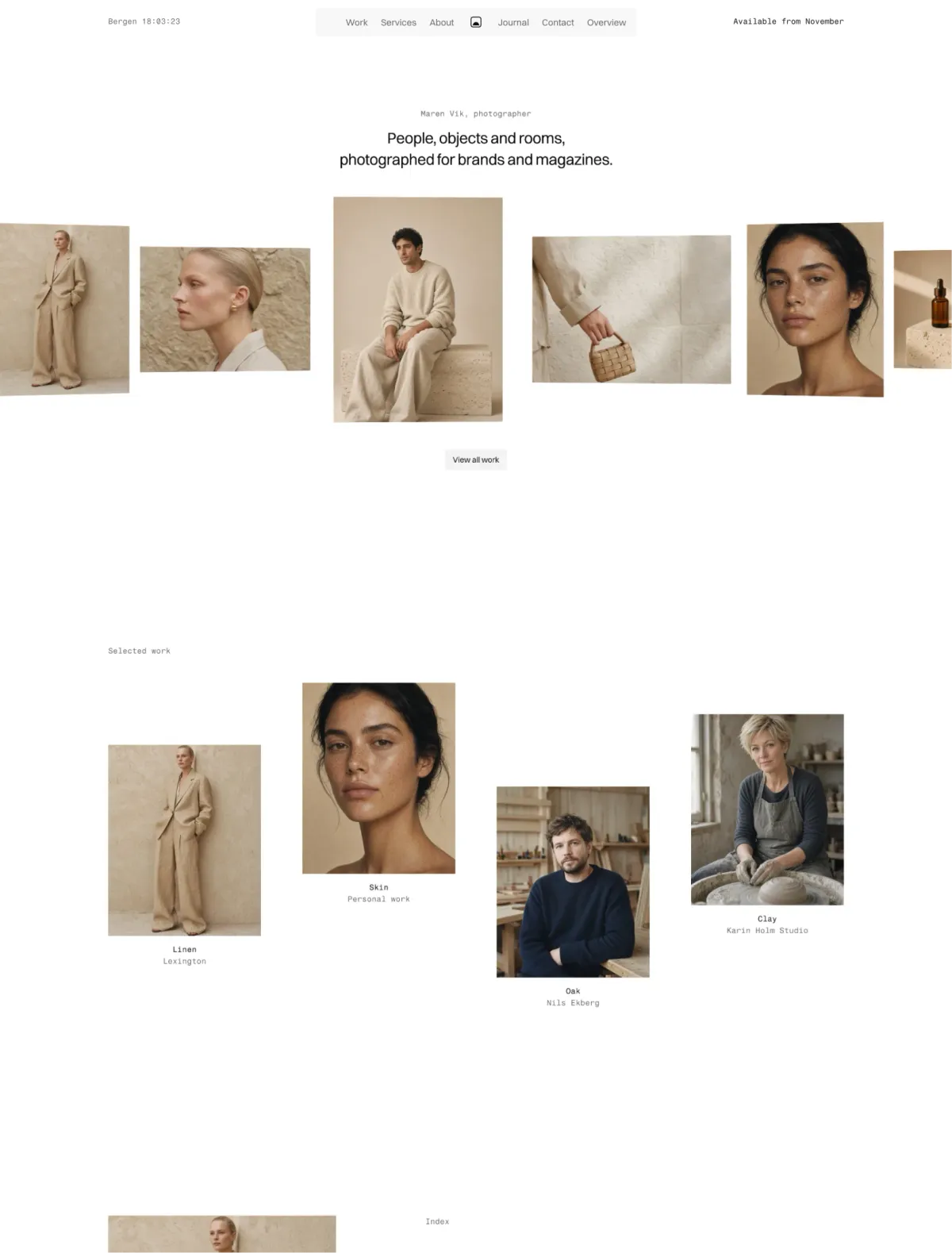
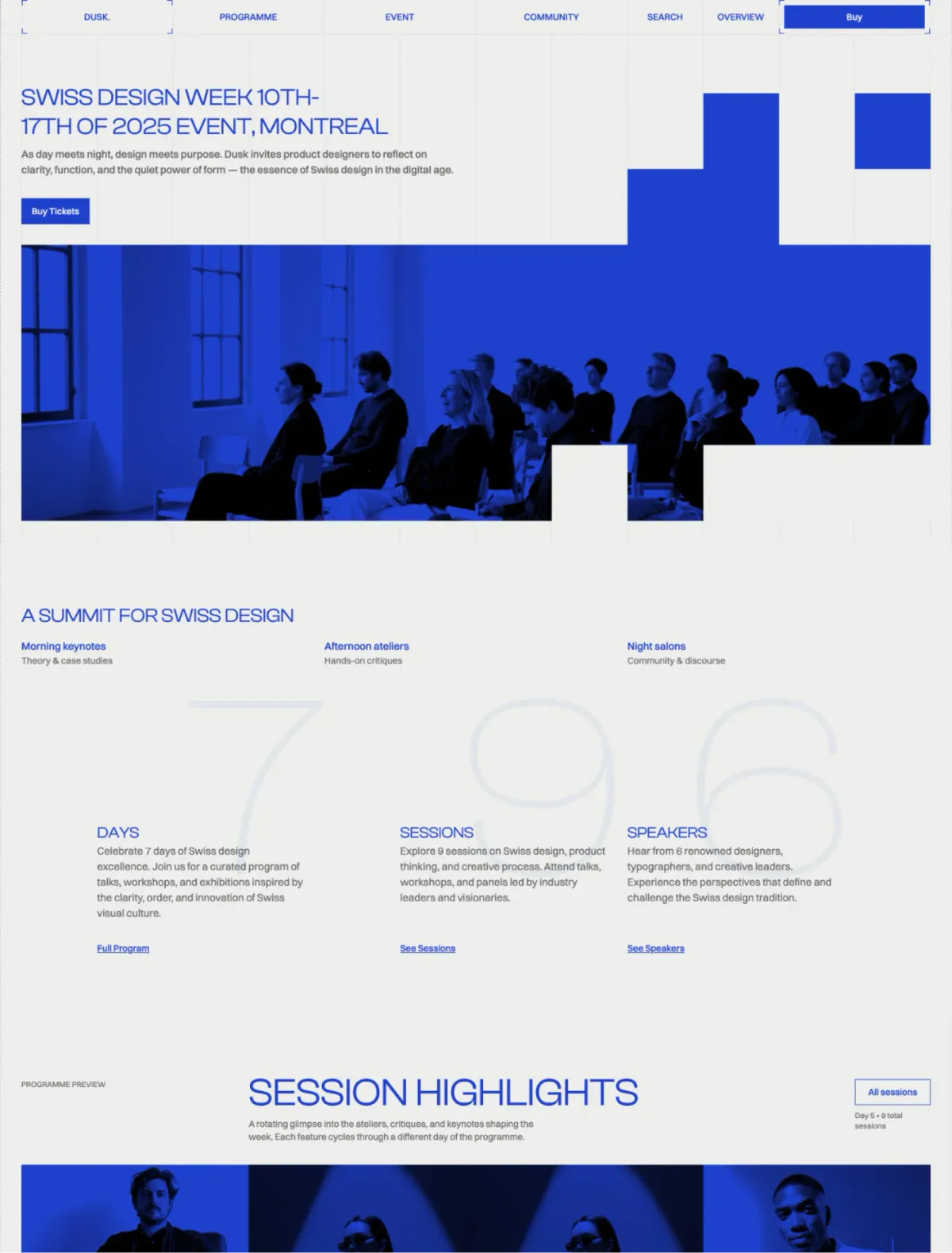
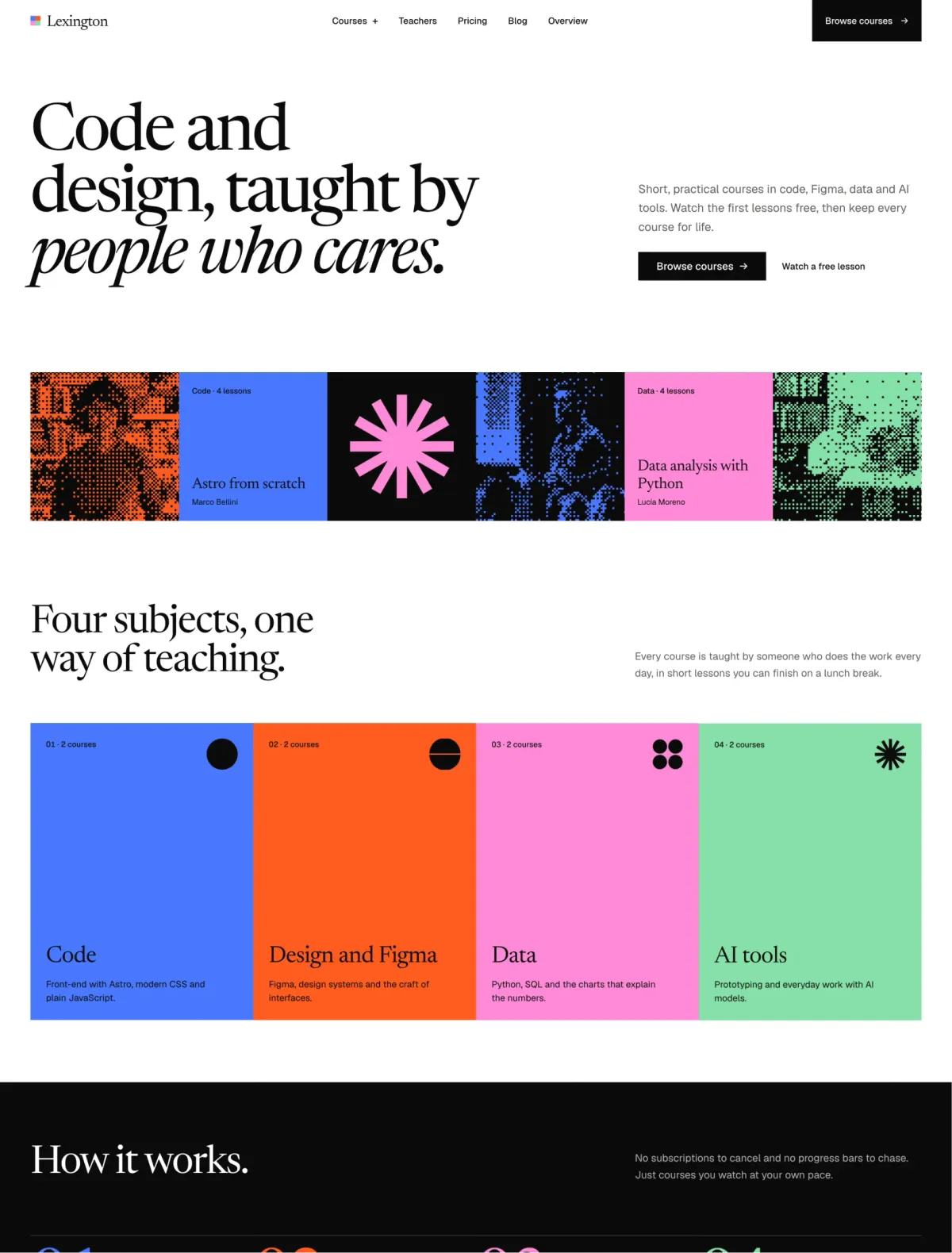
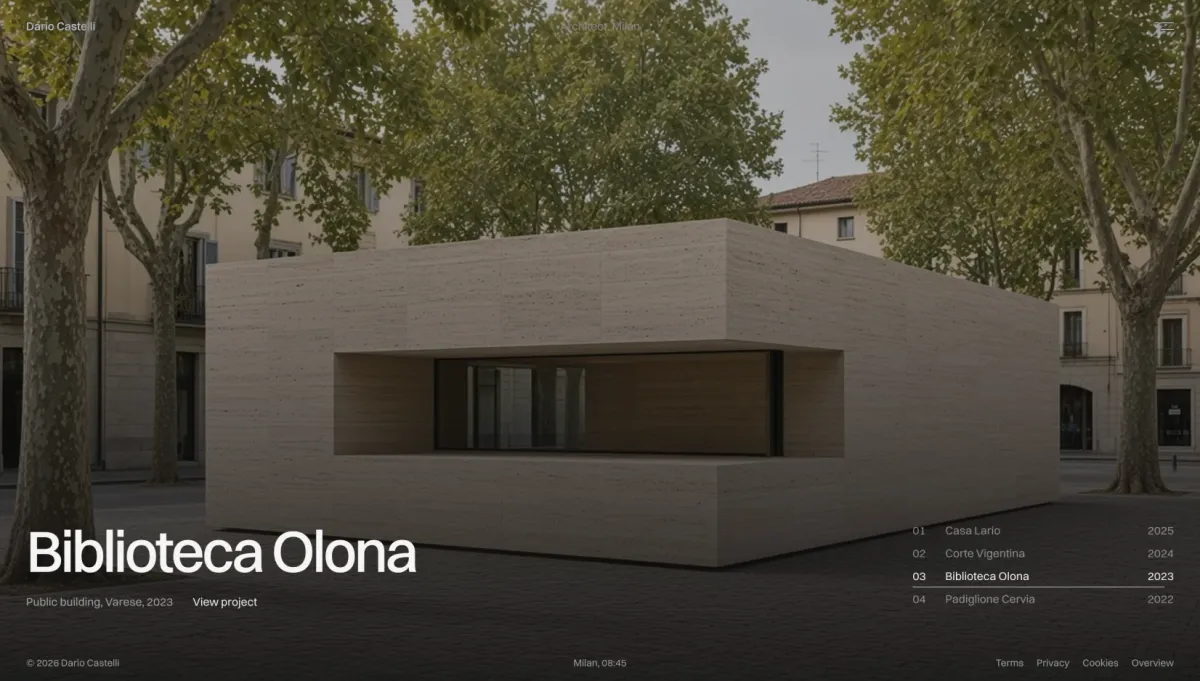
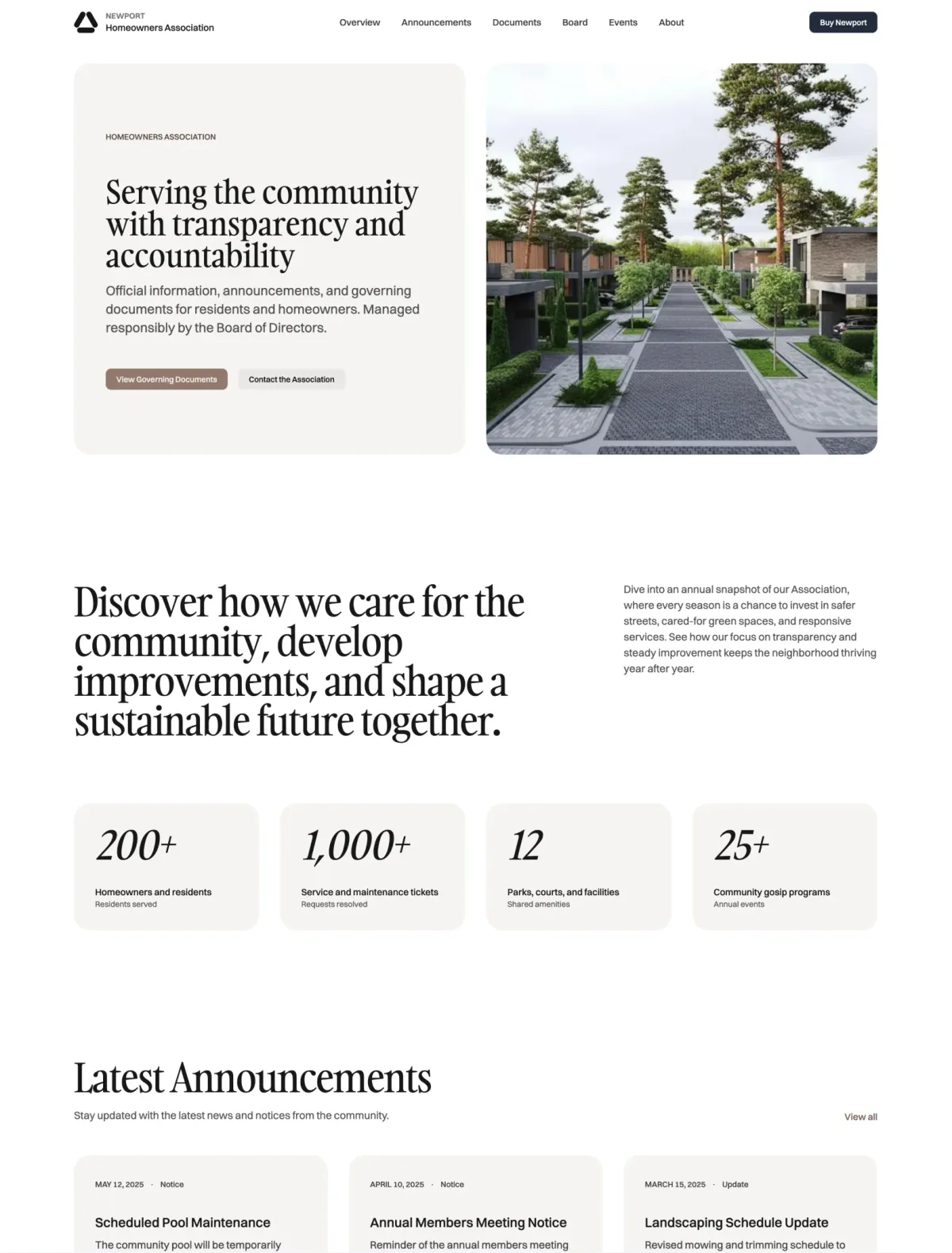
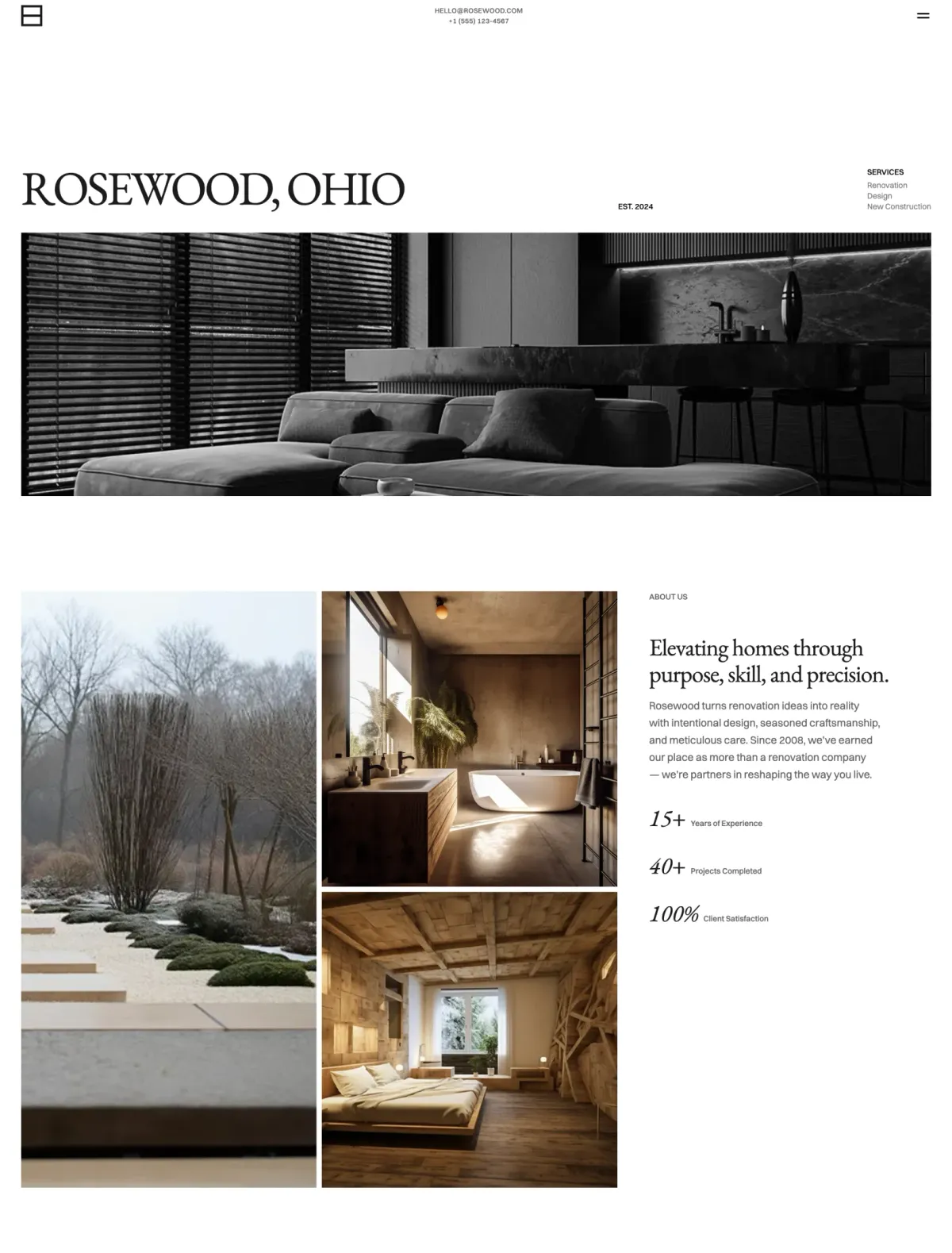
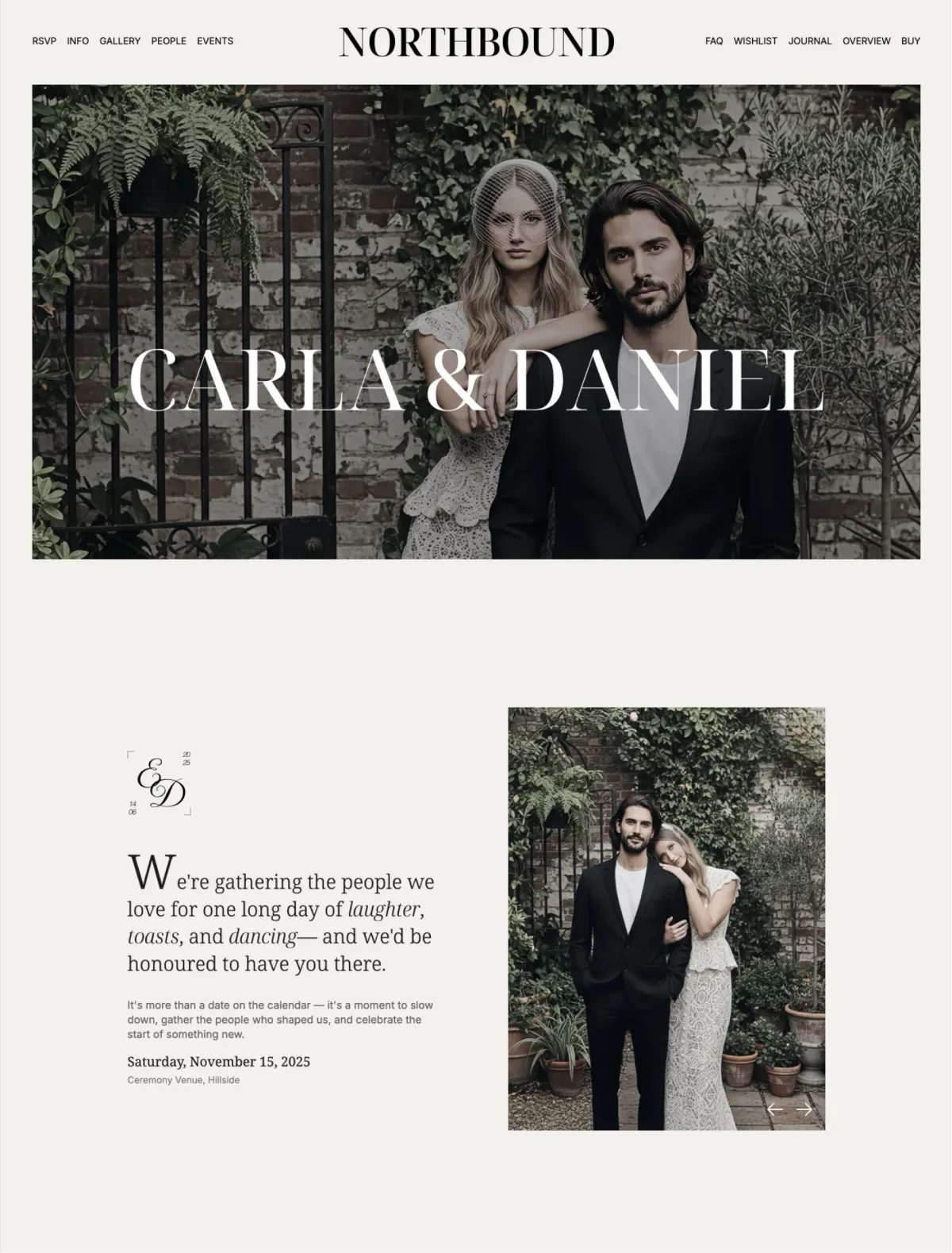
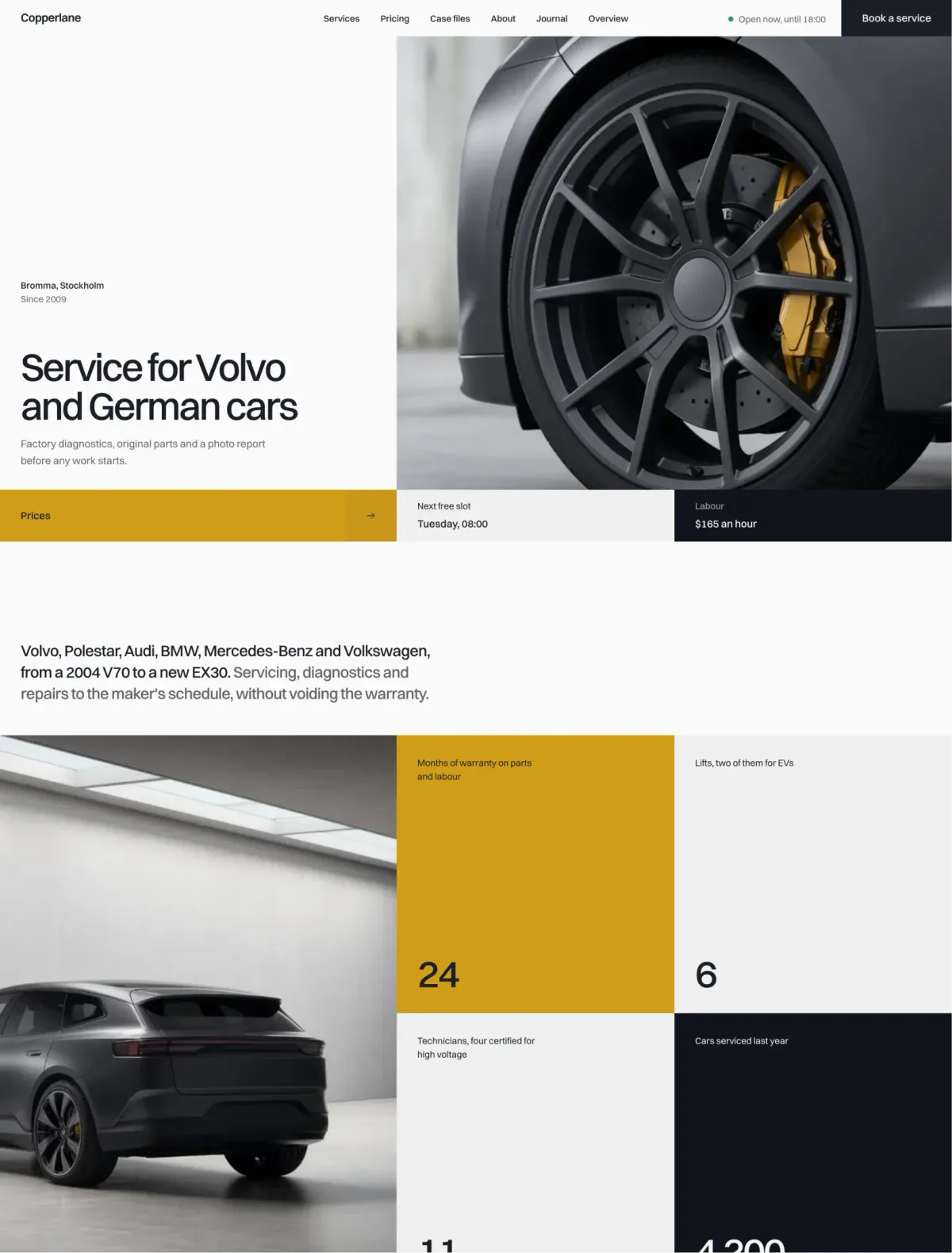
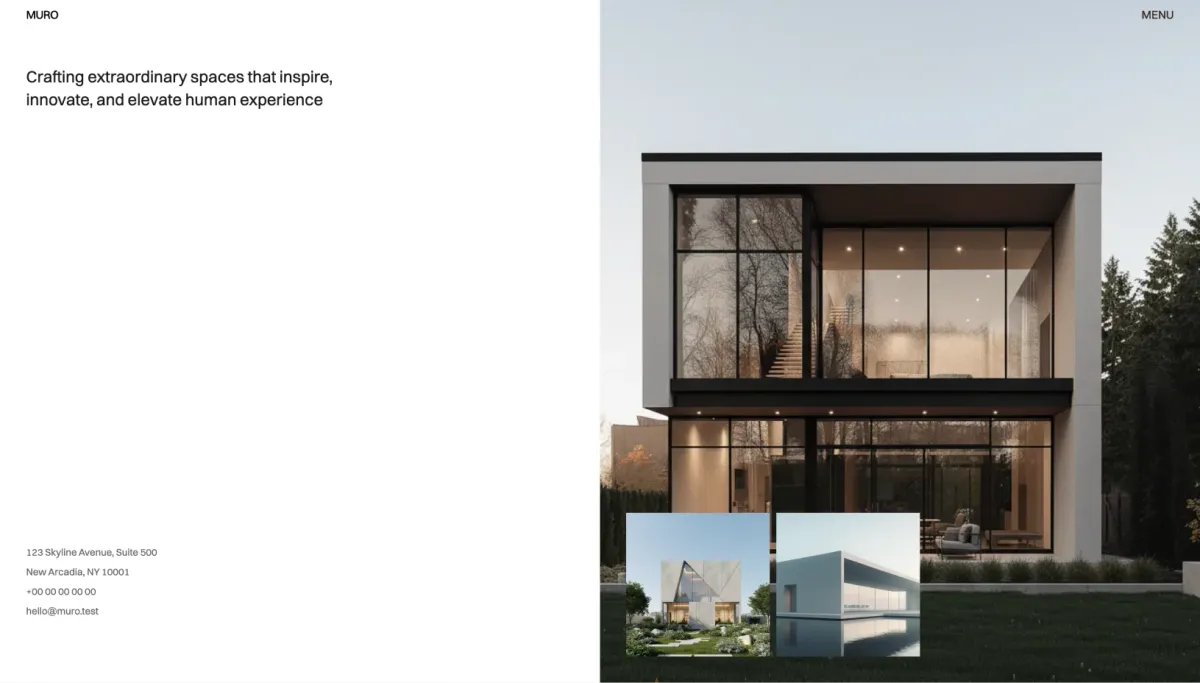
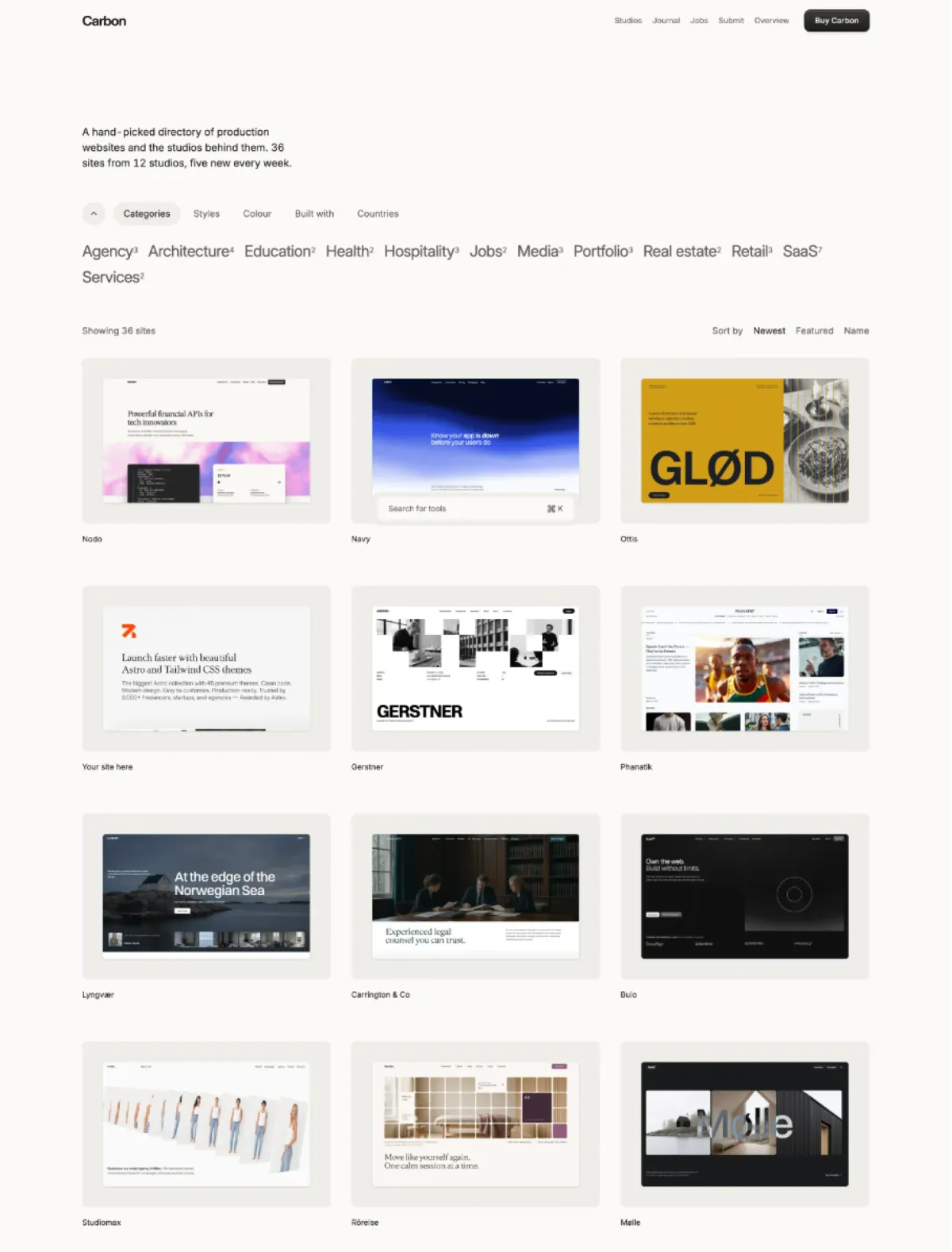
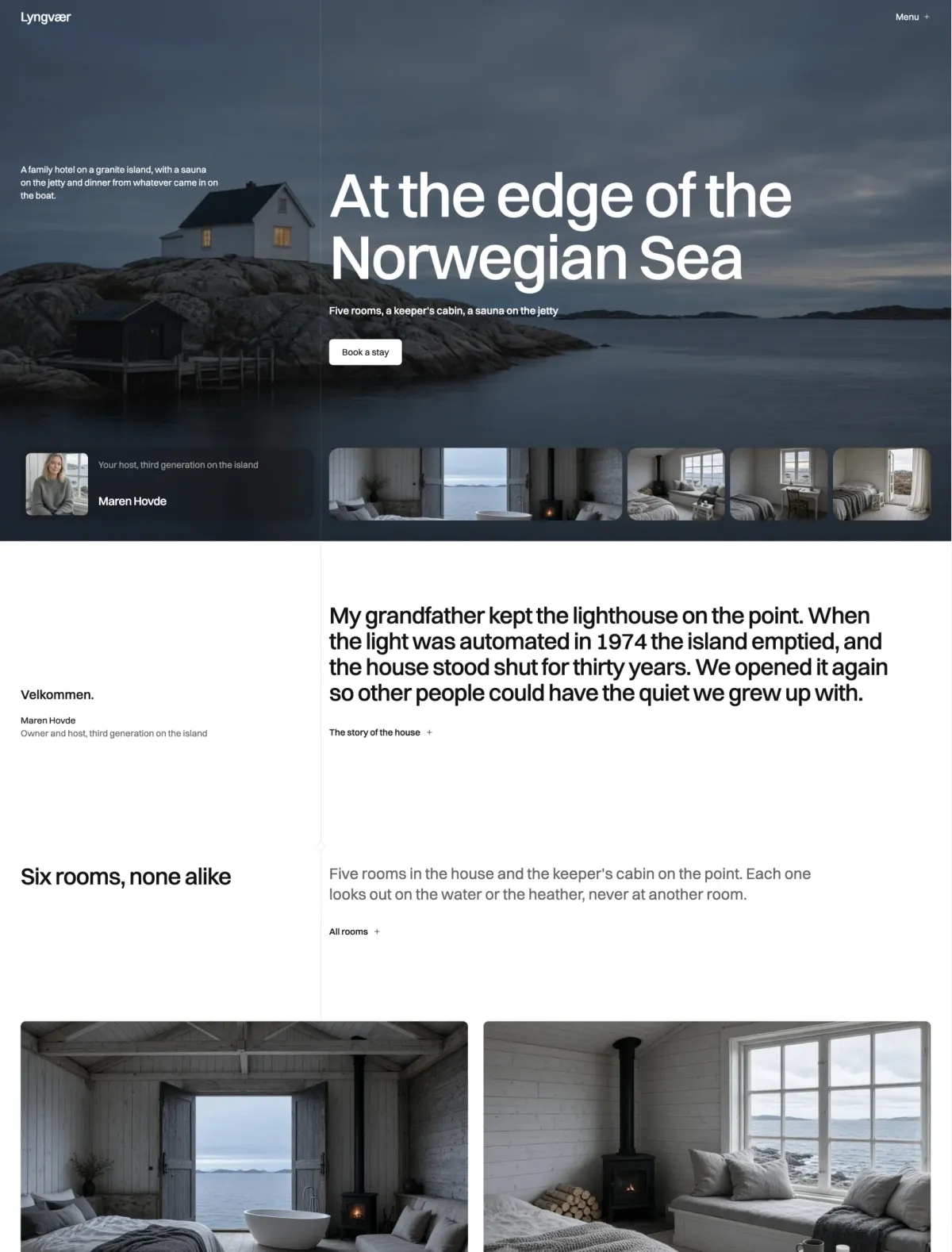
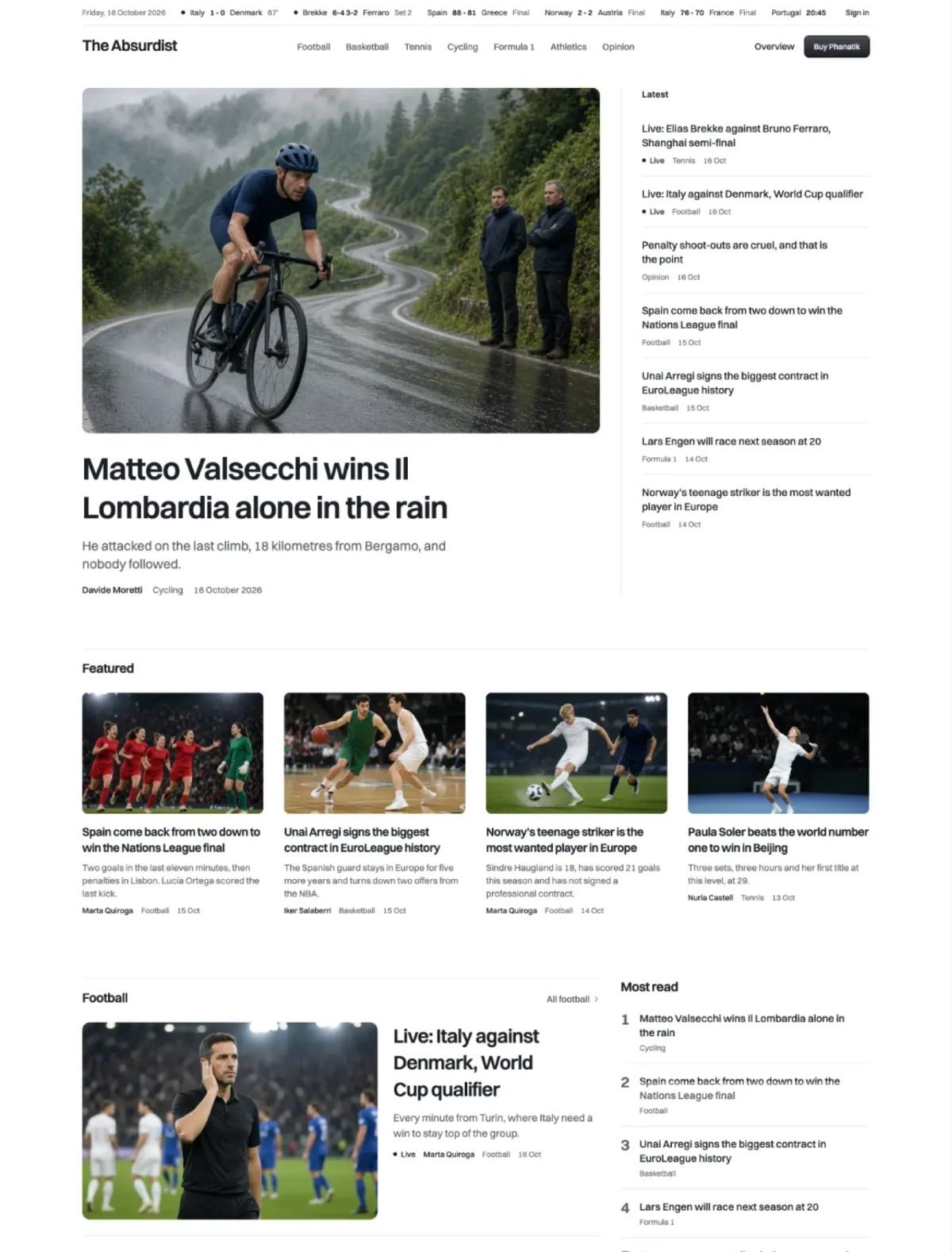
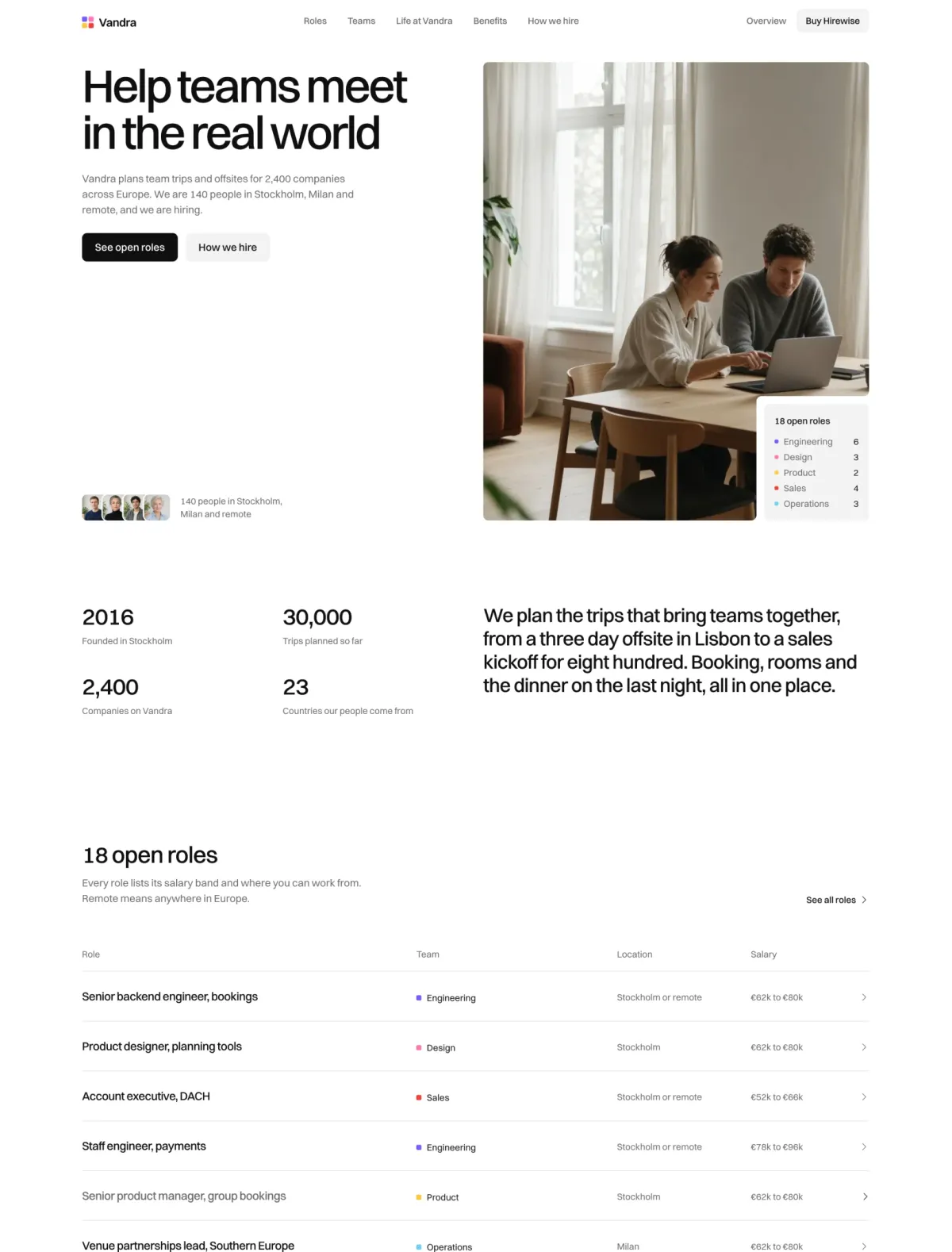
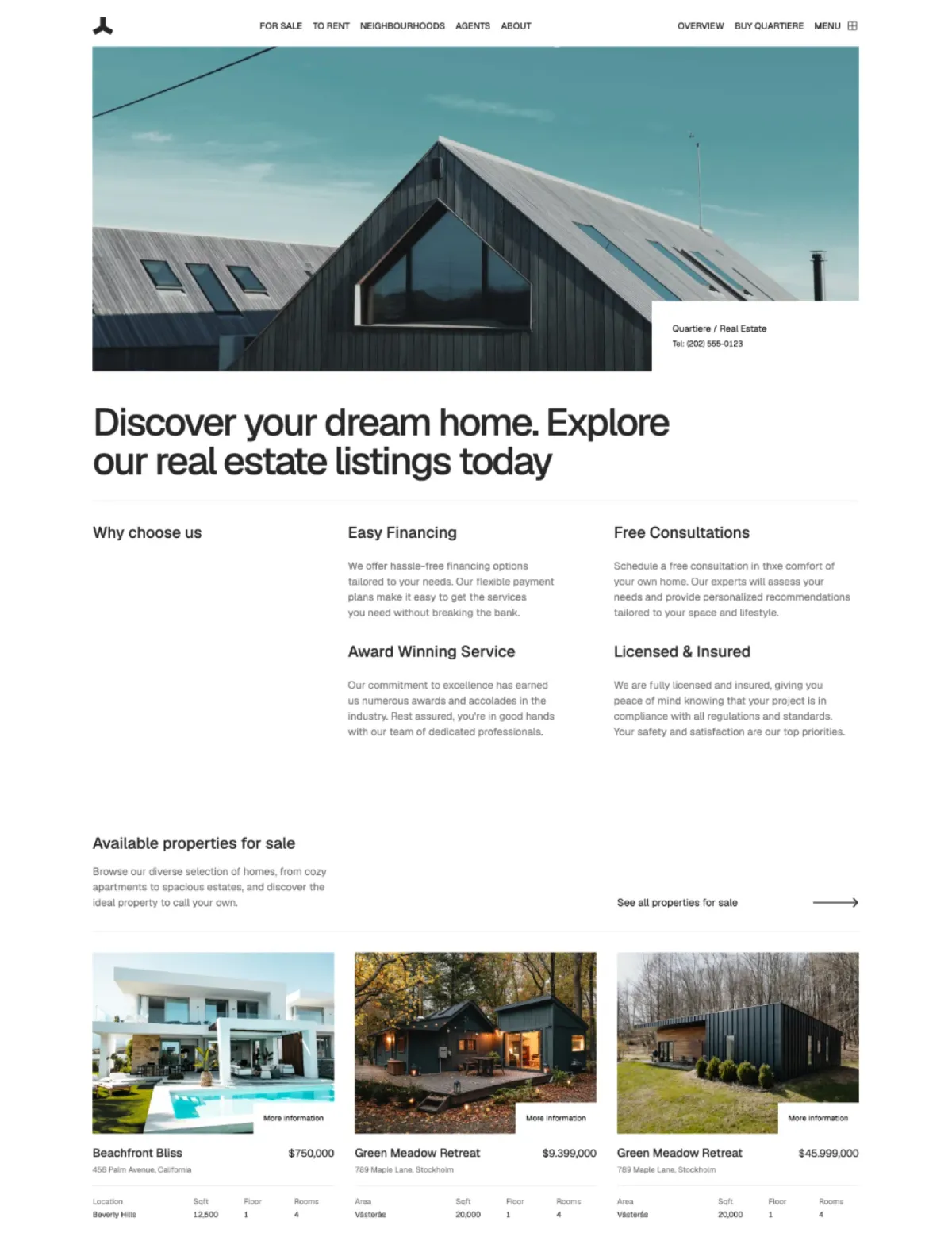
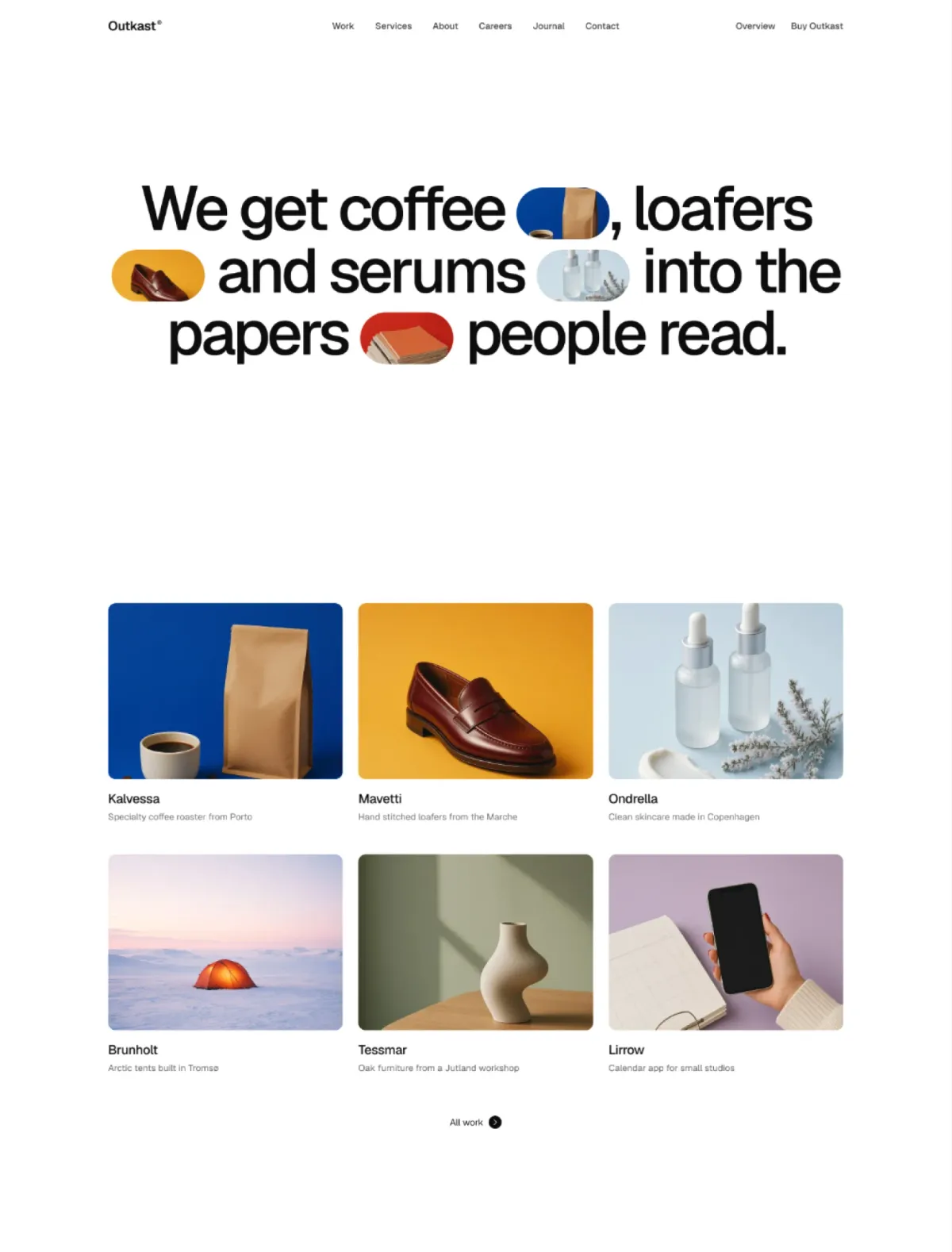
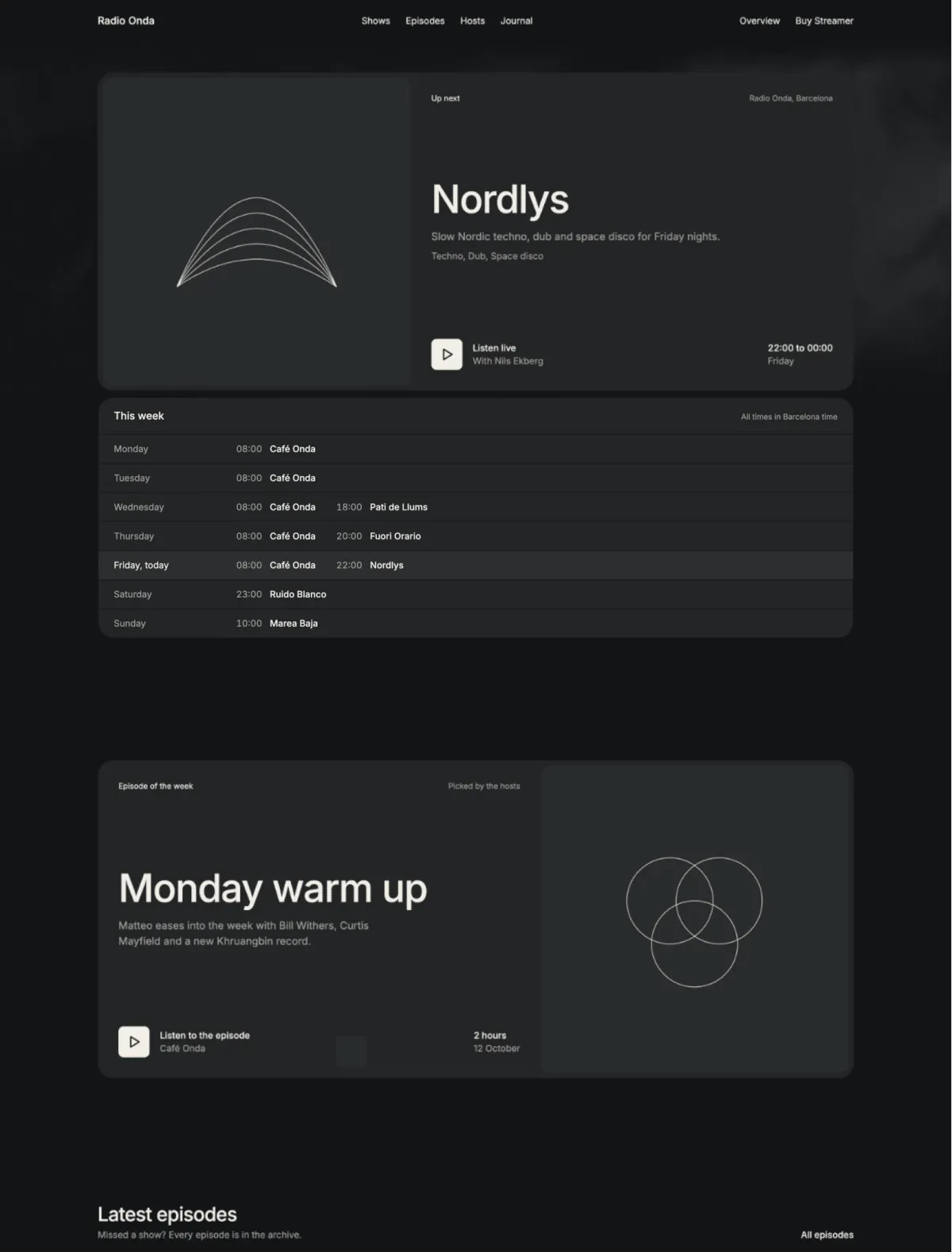
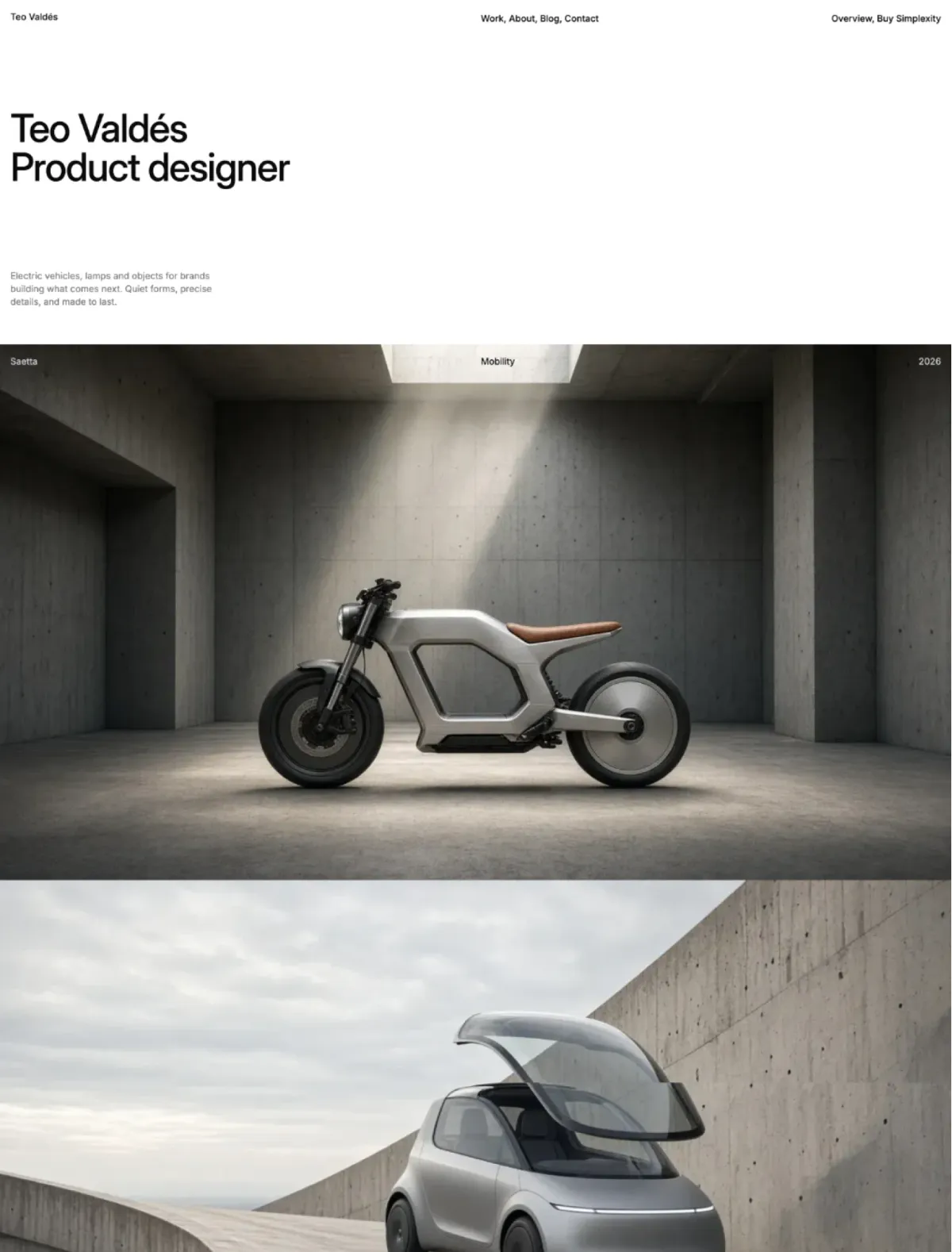
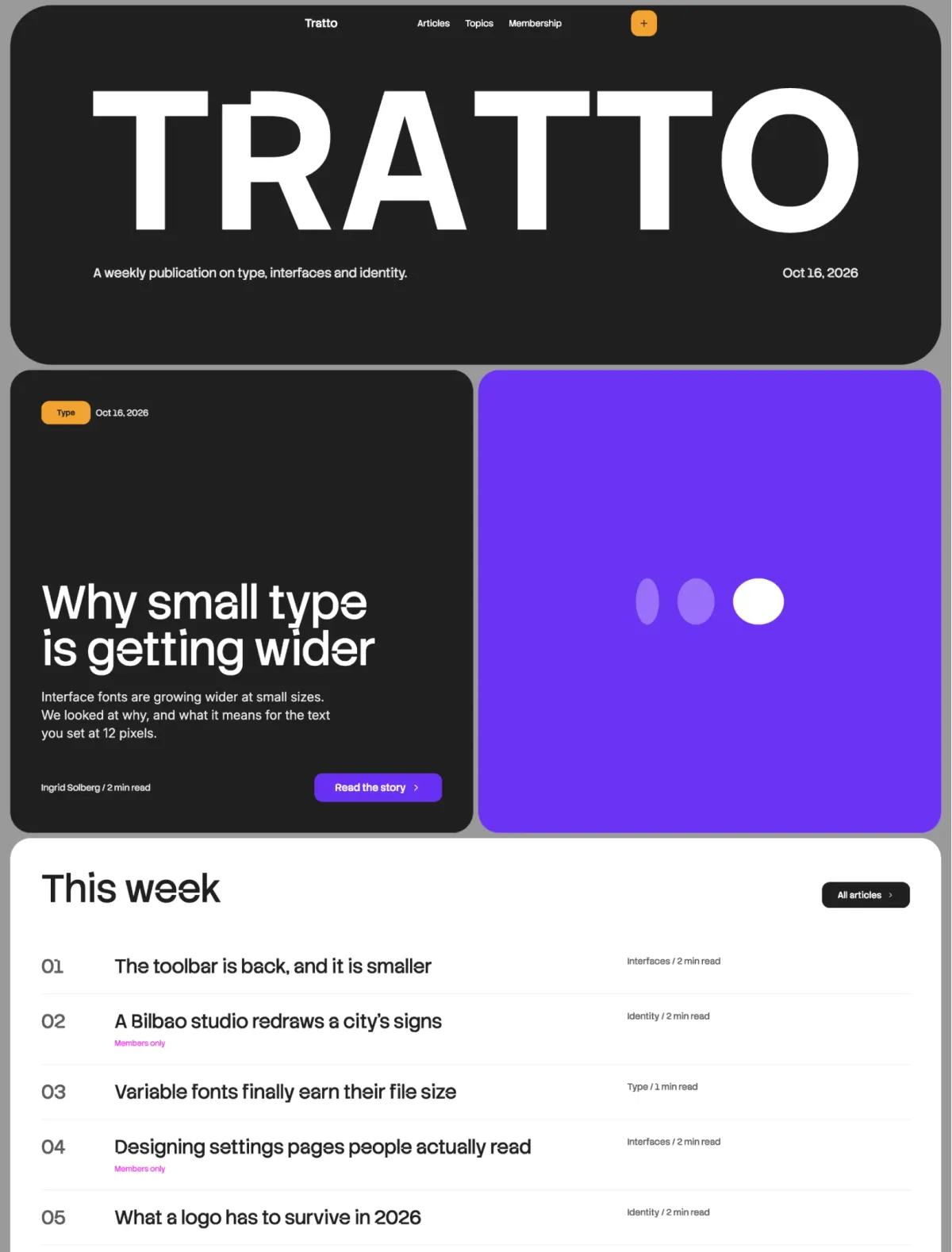
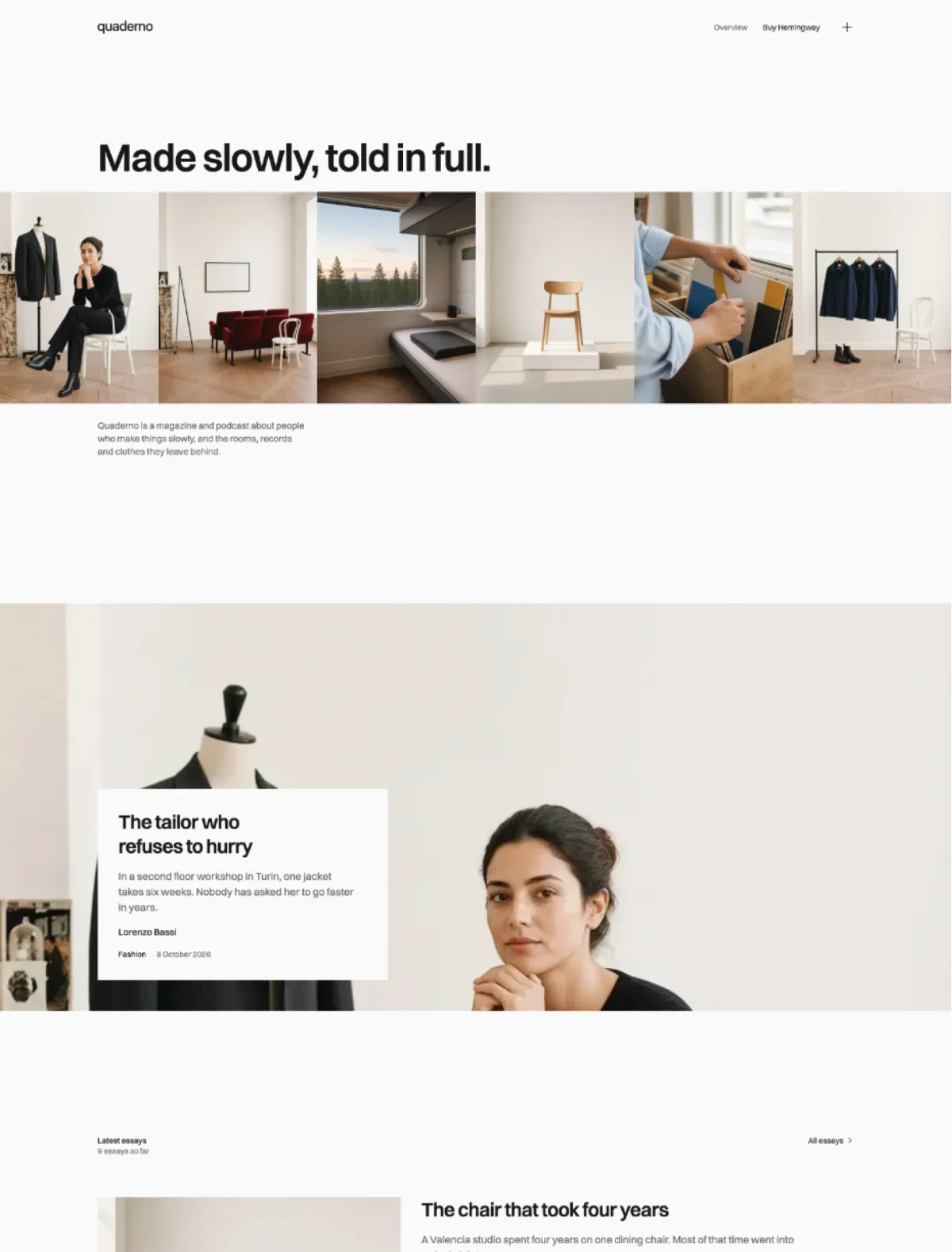
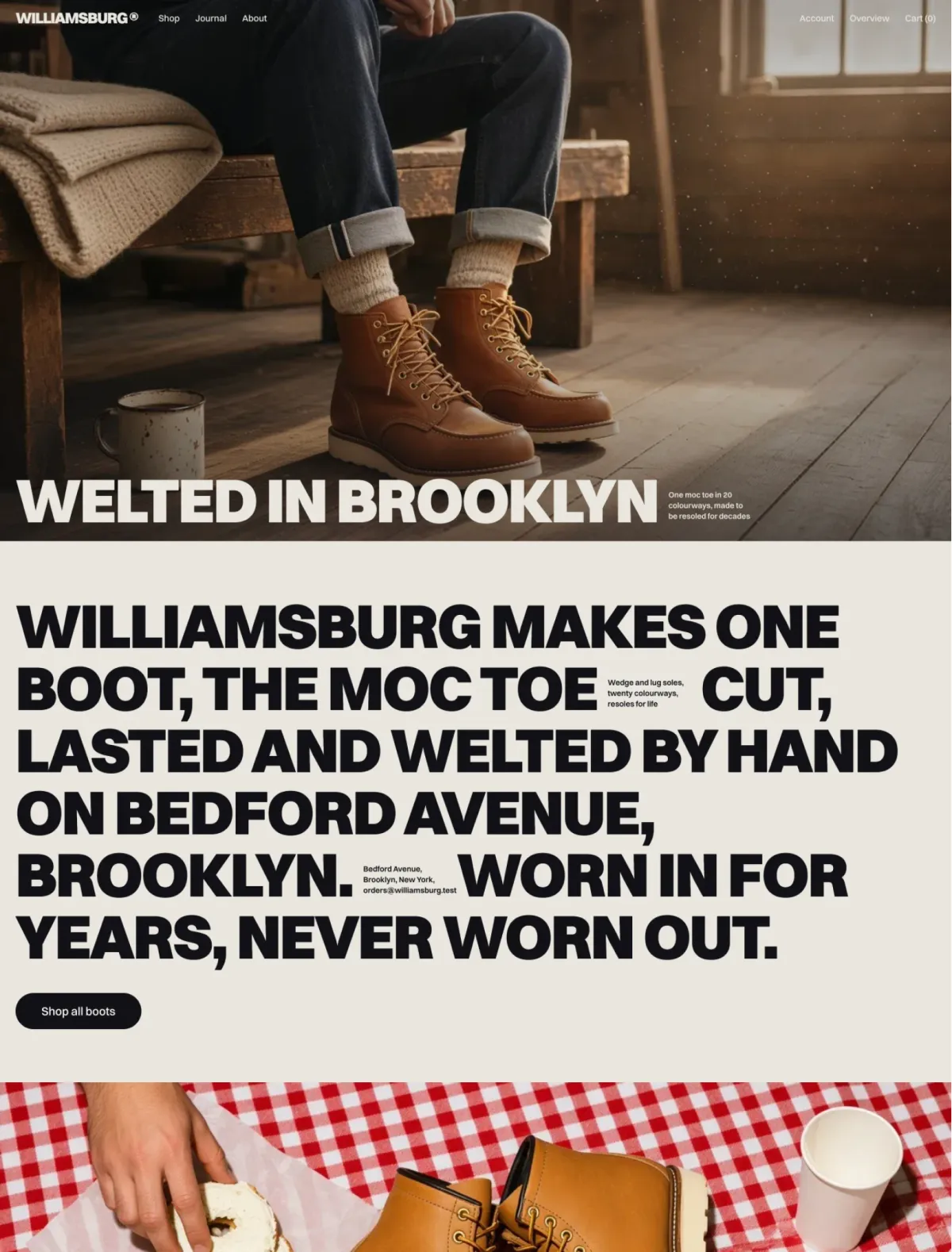
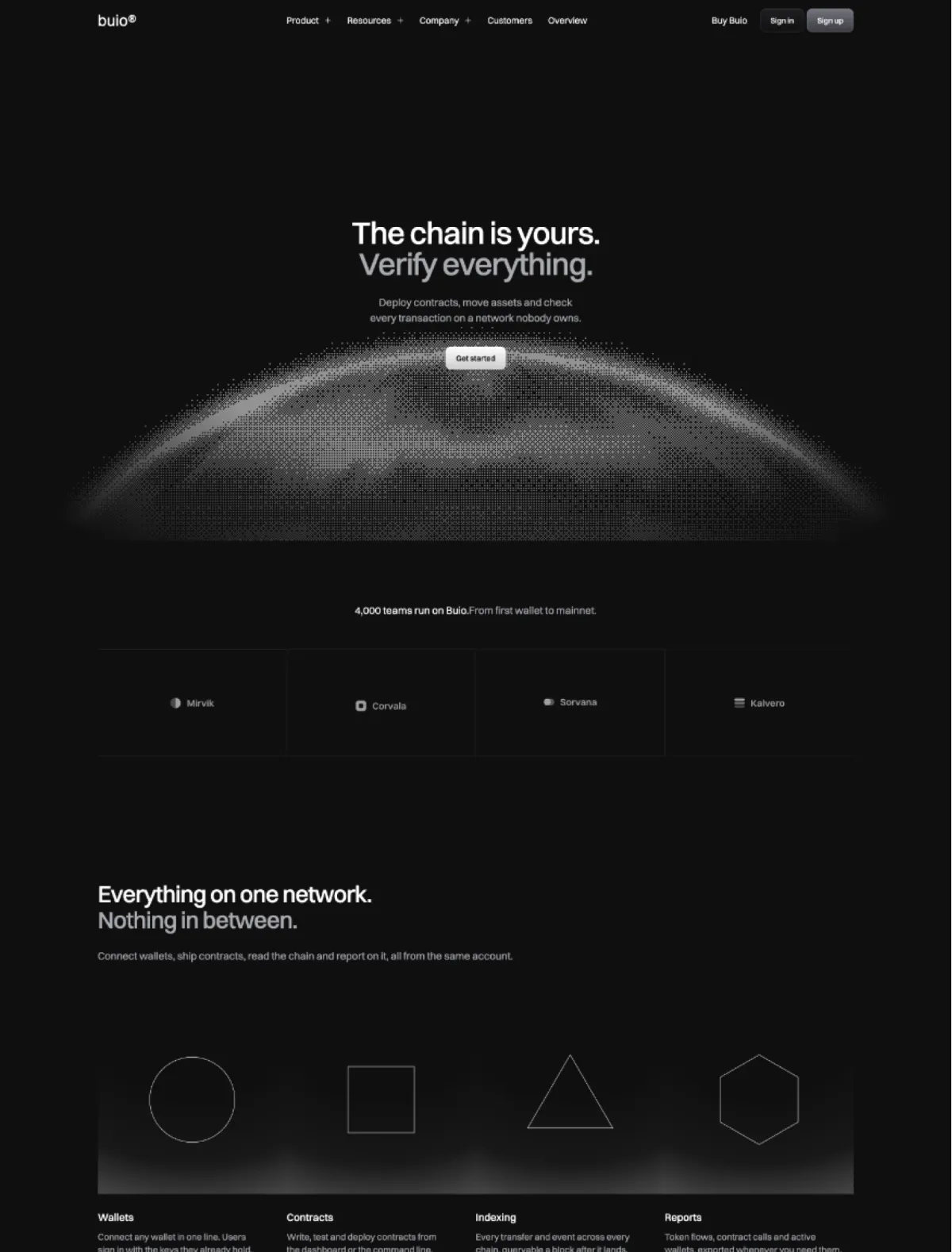
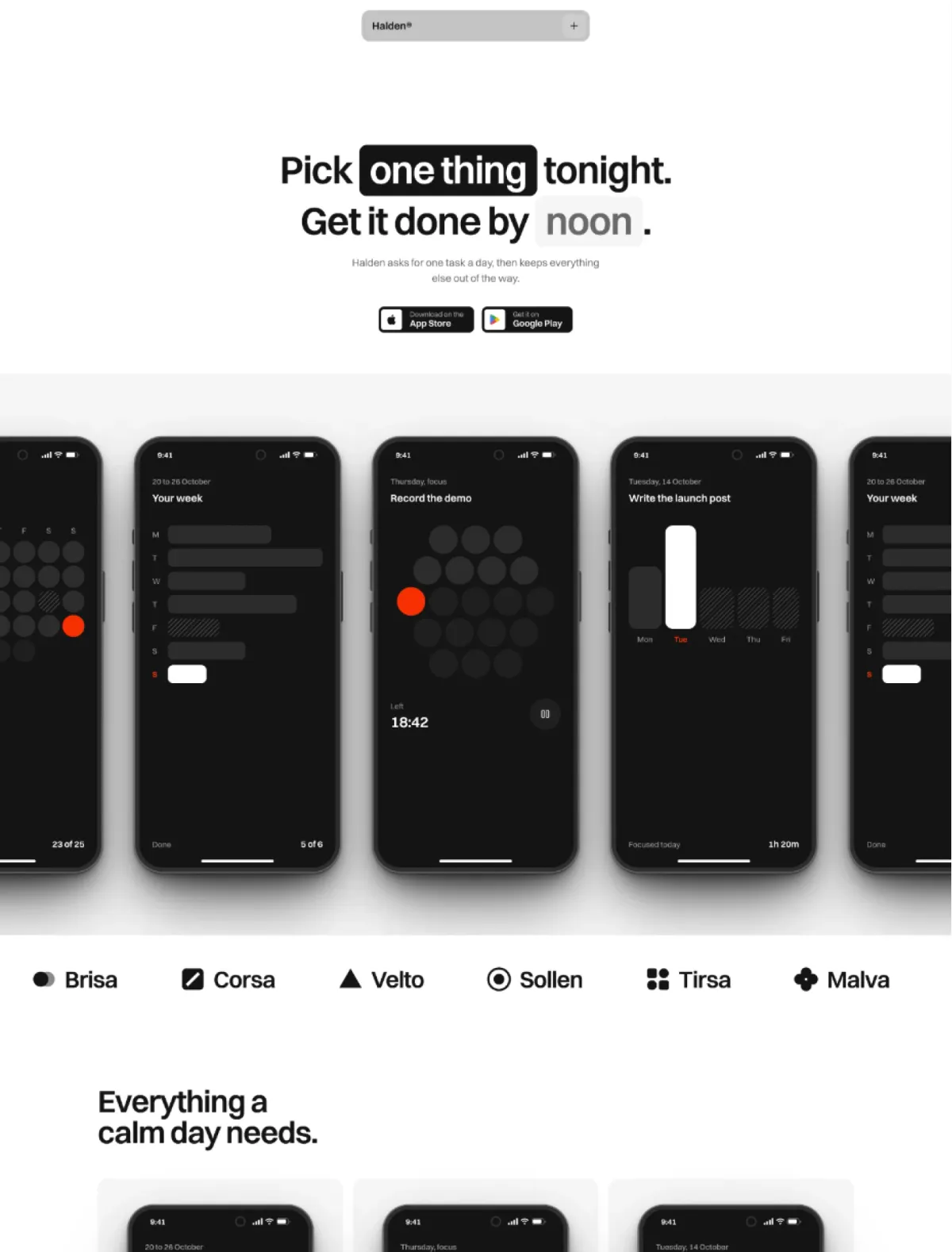
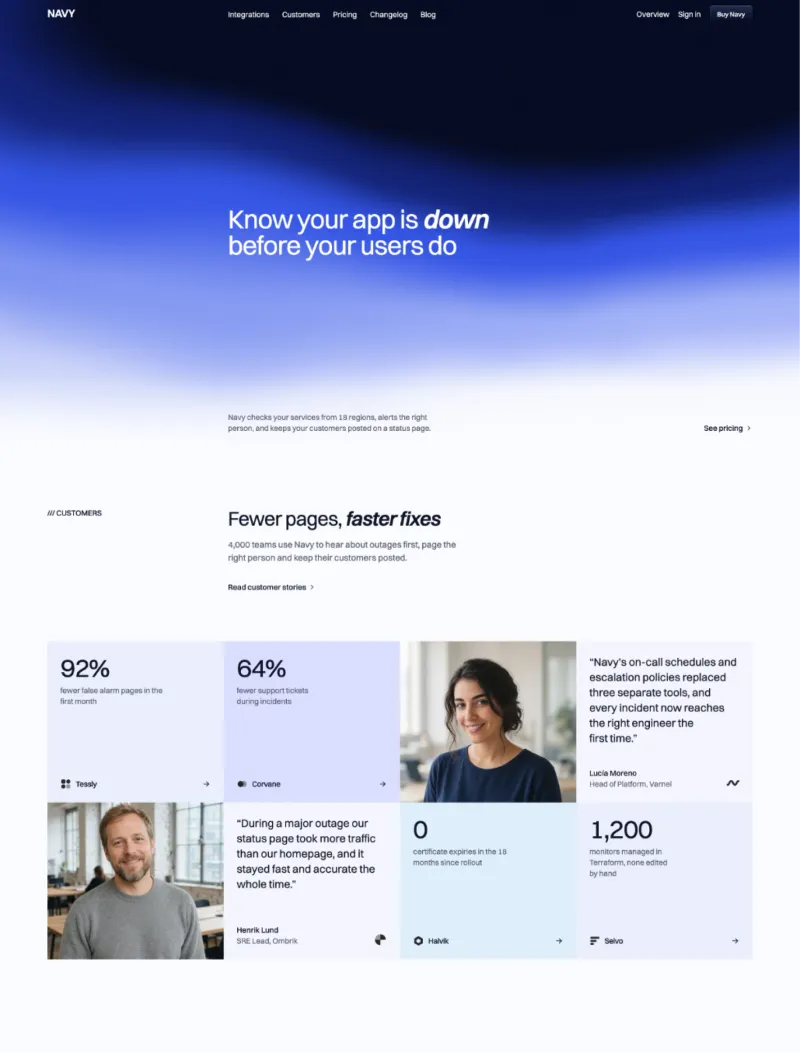
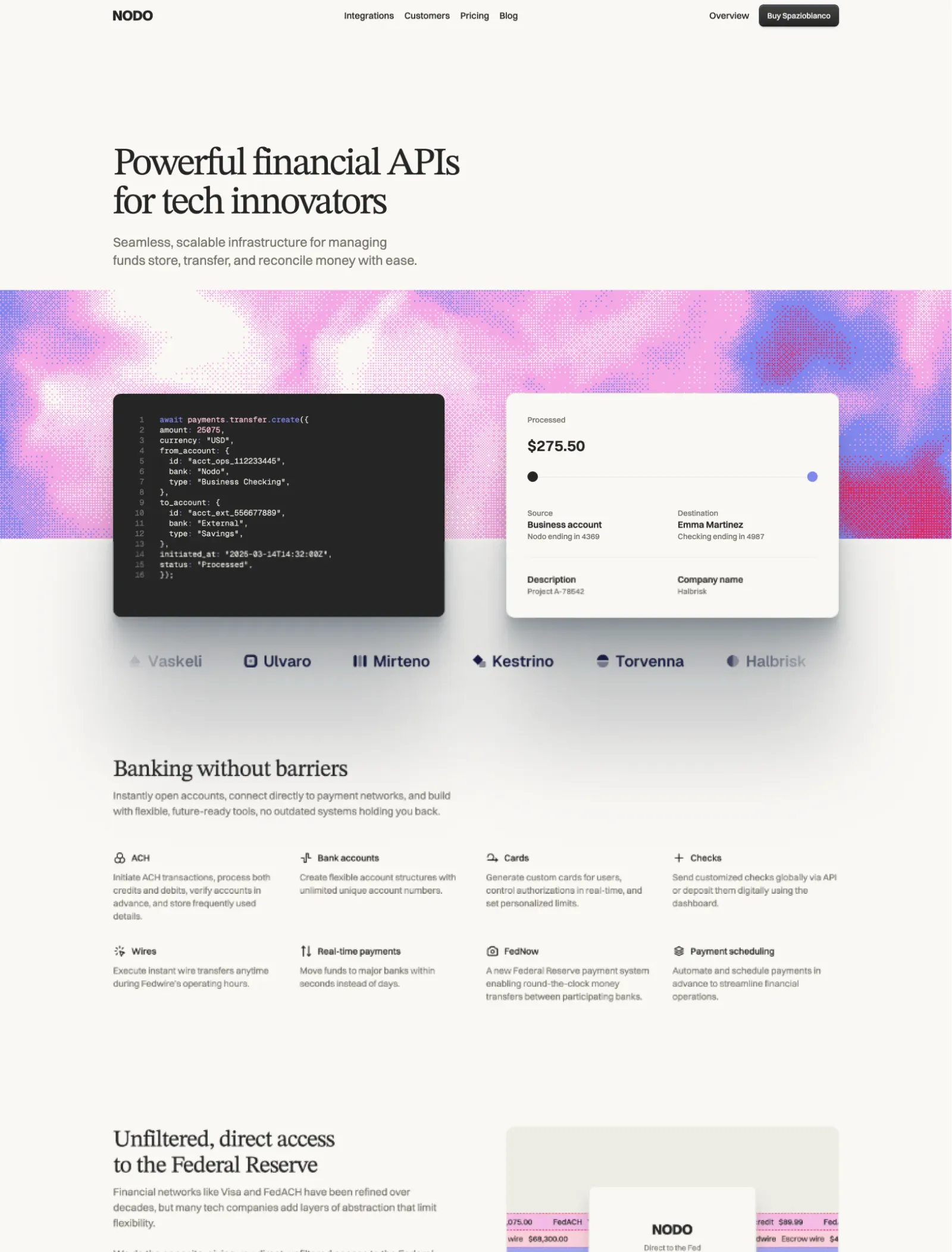
Every agent ships the same page: Inter, a gradient, three rounded cards. Here it picks from 51 looks a designer already finished.

One config block, the key from your receipt, then ask for a page. Set up in two minutes.

  1. Your receiptLexington MCP, Personal

    LEXMCP-XXXX-XXXXLicence key1 key

    Get a key

    It's on your receipt. Personal is one key, Team is five. Prima Persona works without one.

  2. .cursor/mcp.jsonCursor

    LexingtonMCP server

    Add the server

    Add this to .cursor/mcp.json in your project. Reload the window. Lexington shows up under MCP in Cursor settings with a green dot.

  3. YouBuild a landing page for my invoicing app with the Brightlight theme: hero‑2, feature‑3, pricing‑1 and faq‑1.

    Page built in Brightlighthero-2, feature-3, pricing-1, faq-1

    Ask for a page

    Name the theme and the sections. Your agent pulls the theme's tokens and sections, then writes the copy without redesigning anything.

Seven tools. Learned in one read, called in order.

  • get_guidelines

    The rules for using a section.

  • list_themes

    Every theme and its look.

  • search_sections

    Find the sections you need.

  • get_theme_setup

    The theme's fonts and tokens.

  • get_design

    Type, colour and spacing rules.

  • get_sections

    The files, in Astro, React or HTML.

  • get_skill

    Keeps later edits on-brand.

Photo of Eelco Wiersma

Just tried out the new Lexington MCP server. I've never applied a great looking theme to an existing website so fast!

Eelco Wiersma

saas-ui.dev

1,965

finished sections

Every theme's design, in your agent. Billed yearly, cancel any time.

Personal

1 key
$99
/year

Billed yearly, cancel any time, plus applicable taxes.

One licence key, for one person's agents.

  • 1965 finished sections
  • 51 themes
  • Design skill per theme
  • Astro, React or HTML output
  • Works in any MCP client
  • shadcn registry included
  • New theme drops
  • Ongoing updates
  • Use in unlimited projects
  • Email support
  • Astro
  • React
  • HTML
  • MCP

Team

5 keys
$399
/year

Billed yearly, cancel any time, plus applicable taxes.

Five licence keys, for a studio or product team.

  • 1965 finished sections
  • 51 themes
  • Design skill per theme
  • Astro, React or HTML output
  • Works in any MCP client
  • shadcn registry included
  • New theme drops
  • Ongoing updates
  • Use in unlimited client projects
  • Email support
  • Astro
  • React
  • HTML
  • MCP

Secure payments via Polar.sh

VisaAmexMastercardApple PayGoogle Pay

Common questions. Lexington MCP

What is Lexington MCP?

A server your coding agent talks to. It holds 1965 finished sections cut from 51 Lexington themes, with each theme's tokens, fonts, small components and design rules. The agent pulls what the page needs and writes the files into your project. How it works

Can I try it without paying?

Yes. Without a key the catalogue tools work and the Prima Persona theme is fully open. Point your agent at the server, ask for a landing page in Prima Persona, see what comes out.

Does it need Astro?

No. The native output is Astro components with Tailwind CSS 4. Ask for React and you get each section as a TSX component, ready for Next, Vite or Remix; ask for HTML and you get flat markup with every class expanded, for Vue, Svelte or plain sites. The host needs Tailwind 4 and the theme's tokens, nothing else.

Is there a shadcn registry?

Yes. Add @lexington to the registries in your components.json with your key in the Authorization header, then npx shadcn add @lexington/<theme>-<group>-<section>. The theme's tokens land in your @theme block, the component in components/lexington/. Same catalogue, same licence, no MCP client needed.

What is the companion skill?

Each theme ships a design skill: its type recipes, colour roles, spacing, components, do and don't. get_skill writes it into your project (.cursor/skills or .claude/skills, or a block for AGENTS.md) together with the Lexington sections rules, so when you ask the agent to tweak or extend a section it stays on brand without another round trip to the server.

Is there a limit?

Fair use is 1,000 section pulls per key per month, which is a lot of websites. It resets on the first. Team plans have five keys.

I own Full Access. Do I need this?

Full Access gives you the theme repositories to build from. The MCP gives your agent the same sections one at a time, described, searchable and mixable across themes, plus the design rules so it does not redesign them. Different tool, same catalogue.

Is it included in Studio or Agency?

For a stretch, yes. Studio includes the Personal plan for 3 months and Agency the Team plan for 6 months, counted from the purchase. The key arrives with the Polar receipt and sits in your customer portal. When it ends, a yearly key on the MCP page keeps it going, and anything the agent already wrote into your projects stays yours. Personal and Team do not include it.

Can I cancel?

Any time from the Polar customer portal. The key stops working at the end of the paid period, and what the agent already wrote into your projects stays yours under the Lexington licence.

Photo of Alberto Barredo

Thanks to Michael adapting Enlightr to Sanity CMS, I was able to create Madrid Landing Kit. I’m amazed by the simplicity and beauty of every Lexington theme.

Alberto Barredo

Founder, Madrid Landing Kit

9,000+

freelancers, startups, and agencies